
Breadwinner vs. DBSync for Salesforce QuickBooks Integration: Which is Right for You?
A detailed comparison of Breadwinner and DBSync for Salesforce-QuickBooks integration, covering architecture, setup time, real-time accuracy, security, and AI readiness.
Rohan Sharma
July 11, 2025
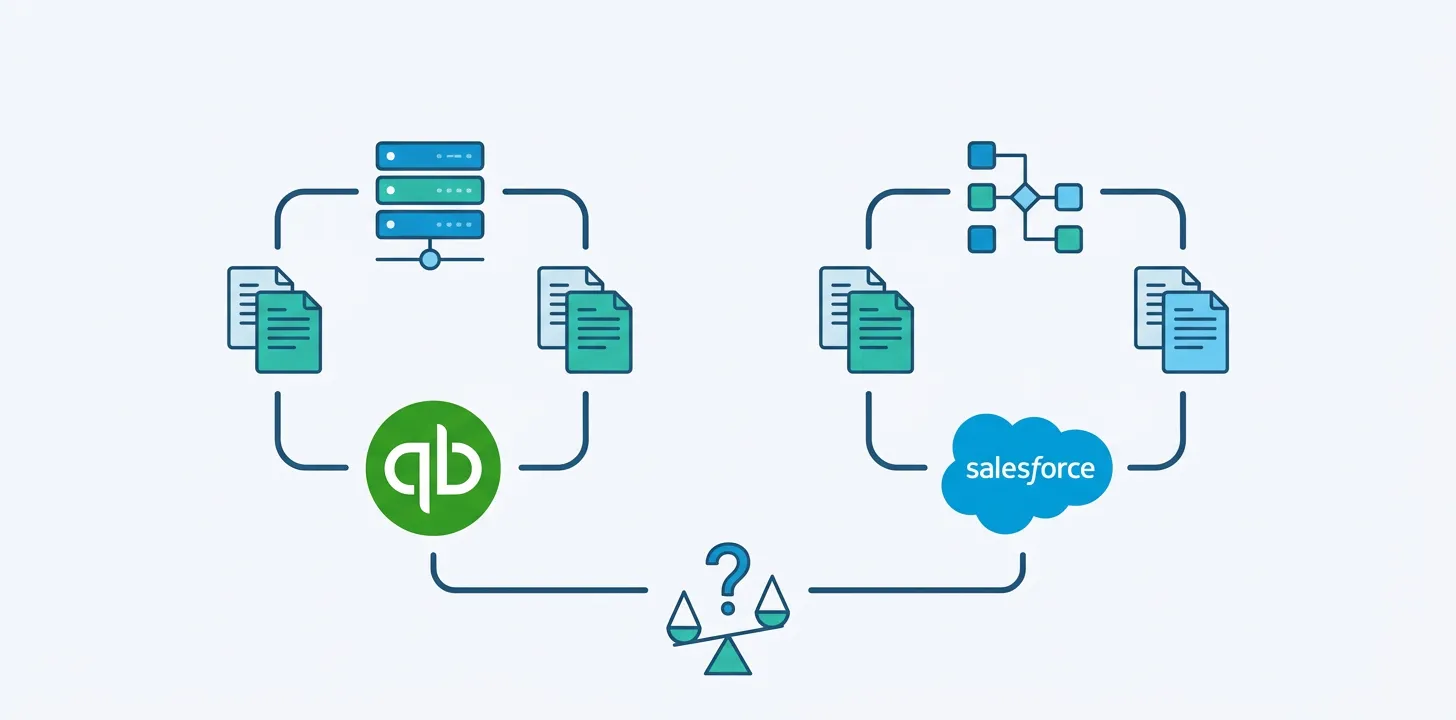
When selecting a tool to connect Salesforce CRM with QuickBooks Online, the choice extends beyond IT considerations—it impacts productivity, cash flow visibility, and customer experience. Two frequently mentioned solutions are DBSync and Breadwinner, which operate differently despite appearing similar on the Salesforce AppExchange.
How They Work: Middleware vs. Native Replication
DBSync functions as middleware, using scheduled API calls to retrieve data between systems. This approach leaves financial data residing in QuickBooks, accessible only when synchronization occurs, potentially resulting in delays and outdated information.
Breadwinner takes a different approach as a Salesforce-native application that replicates your QuickBooks data directly into Salesforce in real time. This means invoices, payments, and account details exist within your CRM, governed by Salesforce’s security and automation capabilities.
Time-to-Value: Plug-and-Play vs. Technical Setup
DBSync’s flexibility requires technical deployment. Setup involves editing Salesforce page layouts, configuring sync jobs through a Development Studio, and managing schedules. This can demand dedicated developer resources.
Breadwinner emphasizes guided deployment: install from AppExchange, select operational mode, connect QuickBooks securely, and configure customer matching. Purpose-built templates eliminate extensive field mapping.
Real-Time Accuracy: Replication vs. Scheduled Sync
Scheduled syncing creates risks of stale data. Sales teams reviewing outdated invoices may miss risk indicators or upsell opportunities.
Breadwinner’s replication keeps your CRM as the single source of truth, ensuring visibility into payment status and account standing directly within daily workflow tools.
Security and Compliance
Both solutions are AppExchange-listed. DBSync routes data through middleware infrastructure requiring separate security management.
Breadwinner stores replicated data within Salesforce itself, leveraging existing permission sets, sharing rules, and audit logs—eliminating additional security infrastructure.
Ready for Automation and AI
Real-time integration enables advanced automation. Breadwinner’s native data replication powers Salesforce Agentforce and Einstein AI for proactive task generation and risk scoring based on payment patterns.
DBSync’s on-demand approach may limit AI tool visibility into current data without additional development work.
Which Is Right for You?
Choose DBSync if you require flexible multi-system mapping with dedicated integration support.
Select Breadwinner for a Salesforce-native solution specifically built for QuickBooks (or NetSuite, Xero, Stripe) emphasizing real-time replication without overnight sync delays or external server dependencies.
Why choose Breadwinner?
- Lightning-fast Integration with minimal manual setup
- Native Salesforce integration with ERP and Financial Systems.
- Unified view of financial and operational data.
- Certified by Salesforce, and featured on AppExchange