
How to Manage Duplicate Records in Salesforce
Duplicate records in Salesforce can hurt reporting, customer experience, and team productivity. Learn the best tools and practices for deduplication.
Anthony Wong
October 2, 2024
The Problem With Duplicate Records In Salesforce
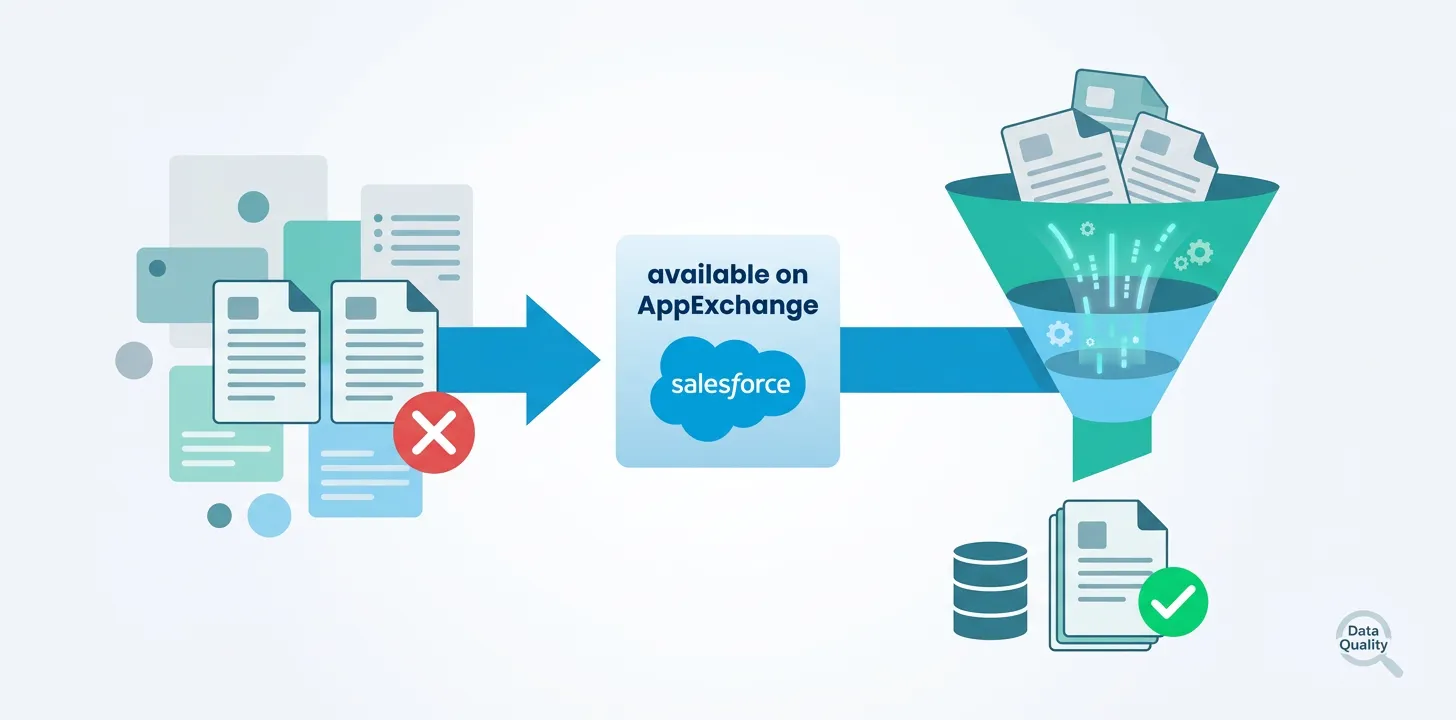
Duplicate records in Salesforce can arise for various reasons, such as data entry errors, integrations with other systems, or importing data from external sources. These duplicates create significant operational challenges including inaccurate reporting, poor customer experience, and wasted resources. Maintaining a clean database requires implementing strategies for identifying and merging duplicate records.
What Are The Best Tools For Salesforce Deduplication?
Cloudingo
Cloudingo offers a visual approach to deduplication, displaying potential duplicates in grid format for side-by-side comparison. The platform includes automation features that create rules to merge duplicates based on predefined criteria, reducing manual intervention for organizations with large datasets.
Peeklogic
Peeklogic’s Smart Duplicate Manager allows administrators to customize matching criteria based on any field in Salesforce. The tool features a step-by-step wizard guiding users through the deduplication process and supports mass deduplication for large datasets.
Apsona
Apsona offers robust reporting and data management capabilities alongside powerful deduplication tools. It handles complex scenarios by identifying duplicates across multiple objects and provides real-time previews before committing changes.
The Old-School Method: Manual Deduplication
Salesforce provides built-in duplicate management tools through duplicate rules and matching rules. However, manual deduplication can be time-consuming and prone to human error, especially as the volume of data grows.
Picking The Right Deduplication Tool For Your Business
- Peeklogic — Ideal for customizable, user-friendly solutions with flexible field-based rules.
- Apsona — Best for complex data structures and comprehensive data management.
- Cloudingo — Suits businesses requiring visual interfaces with strong automation capabilities.
5 Best Practices For Deduplicating Salesforce Records
- Define clear criteria for identifying duplicates
- Regularly monitor and clean data as part of ongoing strategy
- Involve stakeholders from sales, marketing, and customer service teams
- Leverage automation capabilities to streamline processes
- Test and refine your approach based on organizational needs
Closing Thoughts
Maintaining clean records is crucial for data accuracy and business operations. The right tool depends on unique organizational needs, combined with regular monitoring, stakeholder engagement, and automation utilization.
Why choose Breadwinner?
- Lightning-fast Integration with minimal manual setup
- Native Salesforce integration with ERP and Financial Systems.
- Unified view of financial and operational data.
- Certified by Salesforce, and featured on AppExchange