
3 Ways to Integrate Salesforce and NetSuite
Compare three approaches to integrating Salesforce and NetSuite — fit-for-purpose connectors, iPaaS tools, and custom DIY builds — to find the right solution for your business.
Stony Grunow
January 22, 2024
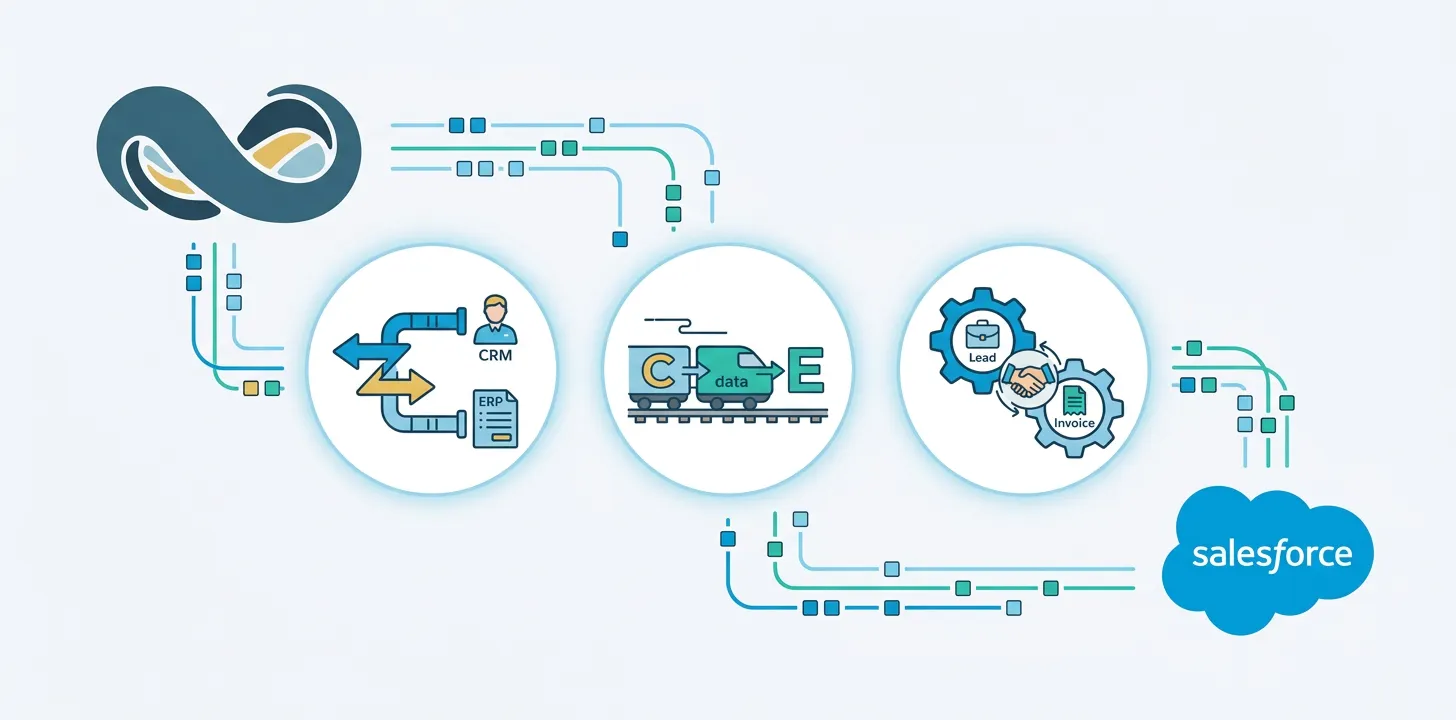
So you want to integrate NetSuite and Salesforce … Great! That’s an excellent idea for all sorts of reasons.
When you integrate your systems, you can pull data directly from Salesforce Opportunity records into NetSuite. And your Sales and Customer Success teams can view customer financial data and payment history in Salesforce.
You end up with a faster sales cycle, reduced time to payment, zero manual sales data entry, fewer errors, and a more complete view of client relationships and account status.
We could keep going, but you get the picture – integrating Salesforce with NetSuite is clearly a smart business decision.
Now you need to figure outhowto make it happen.
It’s a little like deciding you want to visit Alaska. Alaska is a fantastic vacation destination, but what kind of Alaskan adventure should you choose? You could take an Alaskan cruise, ride the Alaska Railroad, plan an epic road trip, or even opt for a dog sledding adventure! Each method will yield a different experience, with very different levels of effort leading up to it.
Just like there are multiple ways to experience Alaska, there are three common ways to integrate Salesforce and NetSuite. All of them will work, but they all work differently and require varying amounts of time, investment, and ongoing maintenance.
Those three methods are: Adopting a pre-built product, implementing an integration platform, and building a custom integration yourself.
Keep reading to learn more about each integration method’s pros and cons and how to determine which one is best for you.
Integration Option 1: Fit-for-purpose NetSuite to Salesforce Integration Solutions
Option #2 is a relatively recent development. Recognizing the need for a faster, easier, and less expensive integration option, several companies have begun offering fit-for-purpose NetSuite to Salesforce connectors.
These specialized solutions are built for one purpose only – to integrate and enable data flow between Salesforce and NetSuite. Critical connections are pre-built and ready to configure, delivering significant time and cost savings to companies like yours.
Examples:Breadwinner, Celigo for NetSuite
Integration Timeline: Days
Cost Structure: Recurring license subscription, with optional one-time setup cost. Maintenance and support included.
Strengths: These purpose-built tools are generally faster to install, easier to configure, and much less costly than other options. Most businesses can have a functional integration up and running in less than a day. With no big upfront time or money investment and minimal ongoing maintenance, it’s easy to see why this option is becoming more and more popular.
Things to Consider: Fit-for-purpose integration solutions have one potential drawback: limited customization. They’re excellent for connecting Salesforce and NetSuite but don’t work if you have multiple endpoints, too many data sources, or complex data transformation needs.
Ideal Use Case: Specialized NetSuite to Salesforce connectors are ideal for most business use cases – especially small and medium-sized businesses. Unless your data needs complex clean-up or extensive transformation between NetSuite and Salesforce, this is the way to go.
Integration Option 2: iPaaS Integration Tools
Your first option is to use a multi-purpose integration solution to connect your Salesforce and NetSuite systems. These cloud-based iPaas solutions can connect virtually any two (or three or four and so on) software systems – including NetSuite and Salesforce.
They’re highly configurable, can securely integrate multiple data sources, and allow you to perform complex data clean-up or transformation operations between systems.
Examples: Boomi, Celigo, Mulesoft
Integration Timeline: Weeks to Months
Cost Structure: Expect to pay a minimum of thousands of dollars for initial setup and configuration (not to mention subscription costs), but expenses can run much higher. Then, you can expect recurring license fees, as well as ongoing staff cost for revisions, new implementations, and maintenance.
Strengths: Integration tools in this category stand out for their flexibility and customization options, ability to integrate multiple endpoints together, and the option to perform advanced data operations if needed.
Things to consider: Comprehensive iPaas integration solutions are expensive in more ways than one. You’ll need to set aside significant time and money for the initial setup – including vetting and hiring a consultant to plan and execute the integration. Once that’s done, you’re responsible for ongoing subscription fees plus maintenance operations and costs.
Ideal Use Case: Multi-purpose integration tools are overkill for most small and medium-sized businesses. They’re a great option if you have a large company with a complex business model and/or need intensive data transformation or cleanup between NetSuite and Salesforce – as well as a team to support it.
Integration Option 3: DIY Custom Integration
The last option on our list is not for the faint of heart – or the short of time, patience, money, and coffee. If pre-built integration solutions simply don’t meet your needs, you can dive into the NetSuite and Salesforce APIs and build your own connection between the two systems.
Examples: Custom SOAP or REST API integration
Integration Timeline: Months
Cost Structure:. Expect to either spend tens of thousands of dollars to hire an integration expert or commit months of your team’s time to develop the integration in-house
Strengths: Custom Salesforce and NetSuite integrations are entirely customizable. You can include as many special features, data sources, and unique operations as you want.
Things to Consider: There are no subscription costs when you build your own integration, but you are completely responsible for building, testing, supporting, and maintaining a functional and secure connection between NetSuite and Salesforce. And that’s a lot to take on in addition to your core business functions.
Ideal Use Case: Very few businesses need this level of customized NetSuite to Salesforce integration. However, if you have a unique, highly complex business model or data landscape and the resources to build and maintain a custom integration, the DIY route may be a good choice.
How to Choose the Right NetSuite to Salesforce Integration Solution for Your Business
We’ve done our best to help you understand your options for integrating NetSuite and Salesforce – the rest is up to you. Here are a few quick tips to help you complete your search and choose the right integration for your business:
- Take Your Time & Plan Your Evaluation Process
- Clearly Define Your Goals & Internal Requirements
- Ask Lots of Questions
- Take Full Advantage of Demos & Free Trials
- Don’t Forget to Consider Future Support & Maintenance Requirements
- Figure Out the Total Cost of Ownership for Each Solution – Not Just the Subscription or Service Price Tag
Want to Know More about Integrating Salesforce with NetSuite?
Awesome! We’d love to hear from you.
We offer a free consultation and analysis about your NetSuite and Salesforce integration options, and we’re happy to spend time talking with you, answering questions, and helping you find a solution that meets your needs – even if it’s not us.
Whether you’re just starting to think about NetSuite and Salesforce integration options or already leaning towards Breadwinner, send us your questions or book some time with our NetSuite team.