
Avoid These Common QuickBooks and Salesforce Integration Mistakes
Synchronizing QuickBooks with Salesforce can go smoothly when done right—here are the most common pitfalls to avoid during integration.
Na Do
February 15, 2021
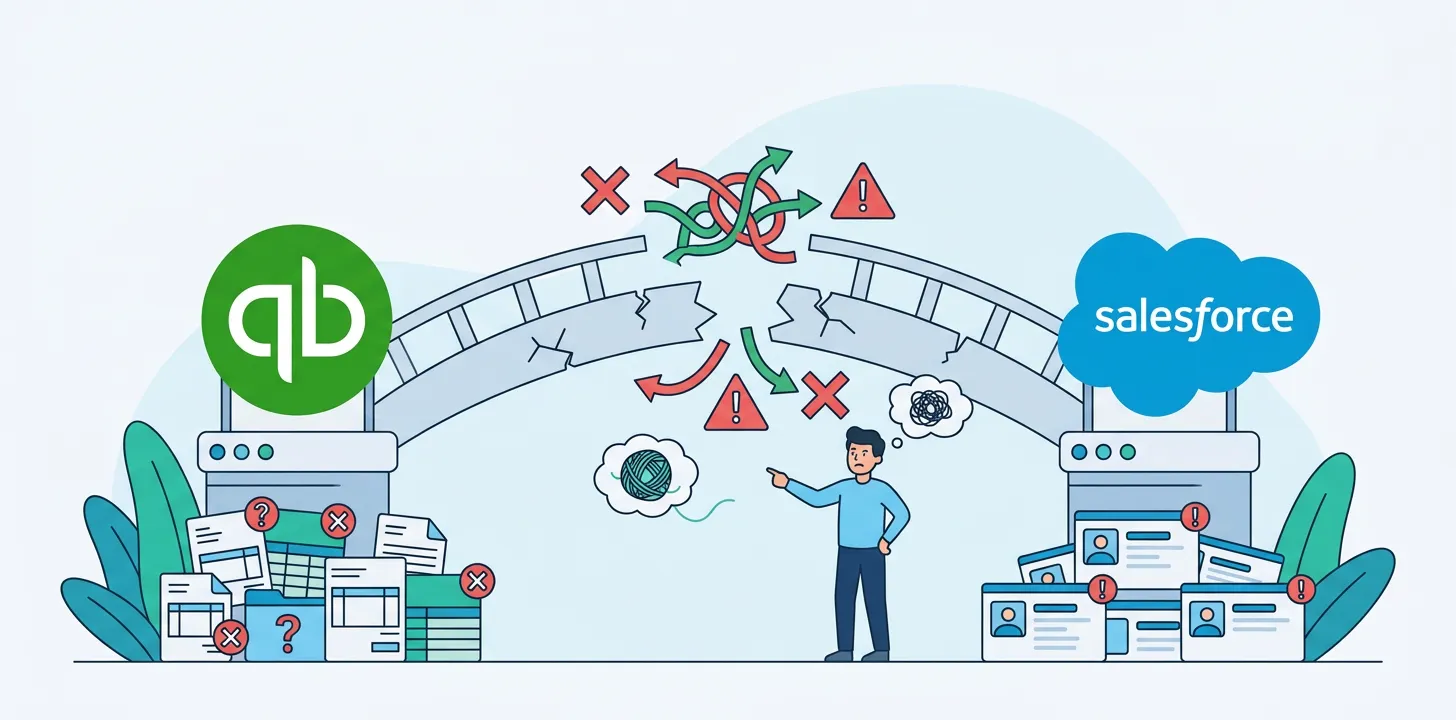
Syncing your QuickBooks to your Salesforce account can be a straightforward process if you do it right. Breadwinner’s QuickBooks Salesforce integration is a native AppExchange app that handles this automatically — but even with the right tool, there are setup mistakes worth knowing about.
However, there are some mistakes that can be made when integrating the two software together.
In this blog, we dive into the common integration mistakes and how to avoid them.
Not Cleansing Data Before Integration
A common mistake made by businesses when integrating their QuickBooks and Salesforce accounts is not cleaning up the data that is held in the systems. This can lead to the transferring of inaccurate data, duplication of records, and overall confusion. So it’s important to ensure that data is clean and any out-dated data is removed from your systems.
Get your sales team to make sure that information regarding accounts, contacts, opportunities, and sales pipeline are accurate. It will enable stakeholders to get better visibility and understanding of customers and prospects, as well as ensuring data integrity and consistency.
Similarly, for QuickBooks users, they too need to ensure that any company, vendor, customer, and financial data is up-to-date by cleaning up any duplicate data and miscategorized transactions and making sure there is a clear distinction between the statuses of invoices (i.e. paid and not paid).
Failing To Prepare Your Staff Properly
Before connecting your QuickBooks with Salesforce accounts, it’s useful to make sure that you prepare your staff with all the details that they would need to navigate the integration. This includes involving them in the planning stages, which is crucial as you would need to get an understanding of how your staff are using the tools including what your business needs to consider going forward, to make sure the integration is effective for all stakeholders.
Failing to prepare your staff can cause a lot of disarray and headache, which could have been prevented if they were prepared initially. To prepare your staff, you can do some of the following things: Define the goals of the integration, organize training for your staff, discuss processes and rules, and establish who will need access to what information.
Underestimating How Real-Time Integration Works
Sometimes organizations make the mistake of underestimating how ‘real-time’ integration actually works and therefore make assumptions on what they believe that ‘real-time’ means. Having data update in real-time would refer to the update taking place within seconds of an event changing.
However, not many systems have the ability to do this, especially if there are two systems involved. For example, Salesforce may have a data sync process of every 3 hours, therefore changes made from within QuickBooks would not reflect in Salesforce straight away. So it is important to understand how that will work and how that will impact your workflow.
To see our QuickBooks Salesforce integration in action, head to the AppExchange to install your free trial of Breadwinner for QuickBooks.