
Creating Salesforce Leads & Contacts from LinkedIn
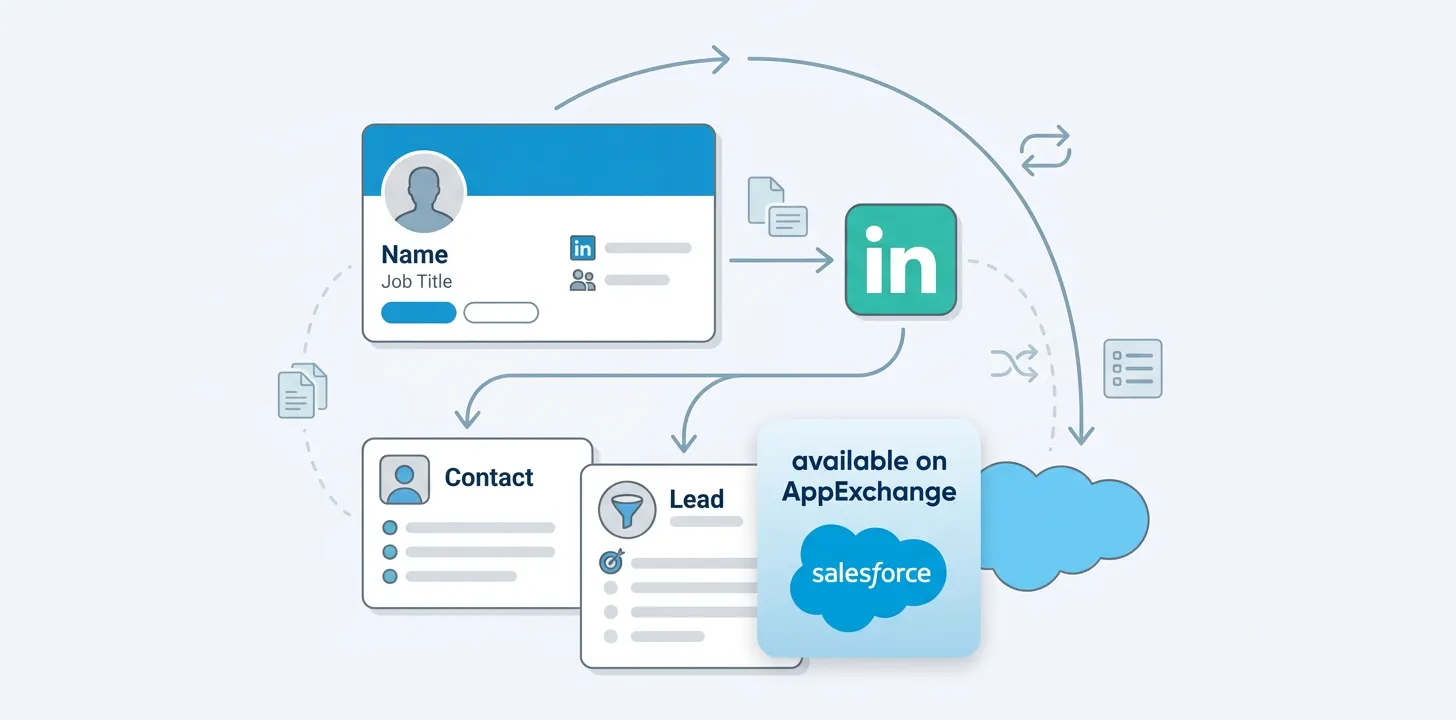
Explore the tools and methods available for transferring LinkedIn profile data into Salesforce as Leads and Contacts, from manual copy-paste to browser extensions and official integrations.
Timea Ait Lasri
June 30, 2021
Legality
LinkedIn contains rich, useful information that you would love to get into Salesforce! But can you legally get this information into Salesforce?
Mostly yes! It’s totally legal to copy information from LinkedIn to Salesforce. (I am not a lawyer and this isn’t legal advice!)
However, it’s against LinkedIn’s Terms of Service which state that
You agree that you will not copy…any information obtained from [LinkedIn]
So, if you have a LinkedIn user account, you have agreed not to copy this information. You aren’t breaking the law, but you are in breach of your terms of service.
Tools
Copy and Paste
We hope you don’t spend hours doing this, but you could simply copy and paste from LinkedIn into Salesforce. It’s about 70-100 mouse clicks to do this, and some people can do it in a minute or less per page! Still, it’s pretty boring…
Assistlead
What’s great about Assistlead is that it’s totally free. And it will easily create Leads and Contacts in Salesforce, in just a few clicks.
However, it’s a one-way integration. What does this mean? It means you can’t check Salesforce to see if that LinkedIn profile is already in Salesforce. To see if the profile is already in Salesforce, you’d have to manually search. Still, that search only takes 15-20 seconds. And after that, it’s just 3 clicks to create the entire Lead or Contact, with no time wasted on copy-paste. You can find Assistlead in the Chrome Webstore.
Salesbolt
Salesbolt is the most powerful integration between Salesforce and LinkedIn. It can Create, Edit, and View Salesforce records, including Leads, Contacts, and Accounts. And it is aware of your pre-existing page layouts, record types, and picklist values. It also seems to be aware of your Profile and Permission sets. When we used it, we were able to connect to Salesforce and create our first record in under a minute, with no configuration required.
We did spend some time in the settings, configuring our field mapping, though.
Salesbolt offers a two-way integration, meaning that every time you visit a LinkedIn Profile, or Company, it will search Salesforce for you to see if that Profile is already in Salesforce. This saves 15-20 seconds per profile. This might not seem like a lot, but when viewing LinkedIn search results of 10 a page, that’s about 3-4 minutes of searching per LinkedIn results page. And a dozen pages of search results in LinkedIn would take 45-60 minutes to search in Salesforce for each record. That’s a lot of time you could be doing something else! So for this alone, we recommend everyone use Salesbolt in freemium mode (more on pricing later).
Salesbolt also lets you edit existing profiles, and comes with a free email finder! Their email finder accuracy seems to be about as good as Hunter or RocketReach, though not quite as good as Lusha.
Using their extension can be a bit limited, because every time you click to another tab or another part of the page, the extension disappears. So copying and pasting additional information, like from another tab, is a real PITA. Luckily, Salesbolt just released a new feature that lets you open up a sidebar. So you can create, edit, view, all in the sidebar.
Salesbolt’s pricing is different as well. You can use it totally free, with it checking Salesforce for you to see if the LinkedIn Profile or Company is already in Salesforce. It will even change the Chrome Extension icon color to tell you if a Salesforce record exists. And you can create records in Salesforce totally free…but you are limited to 5 creations a week on their free plan.
If you want to create more than 5 credits a week, you have to subscribe. So their pricing means that most users can enjoy Salesbolt totally free, but if you are creating a lot of Salesforce records you need to pay. Which is probably the SDRs and AE’s of the world, and possibly recruiters who use Salesforce.
You can get Salesbolt’s Salesforce Linkedin Integration directly from the Chrome Webstore.
LinkedIn Sales Navigator for Salesforce
This is the official tool provided by LinkedIn to help you access LinkedIn data from within Salesforce.
The rating on the AppExchange is (as of June 2021) 2.5 stars from 131 reviews. That’s an incredibly low rating for a Salesforce App. This listing was pulled and replaced with a new listing with all reviews wiped clean on June 23, 2021. So you can’t even see the reviews anymore, but we took a screenshot of the google search results.
Pricing for LinkedIn Sales Navigator Team Edition will cost around $134 per user per month, billed monthly (25% discount for annual payments). But at this pricing, you can’t create records from LinkedIn. For record creation, you will need their Enterprise plan which does not have published pricing (but is presumably more expensive than the Team Edition).
So if you want to create records in Salesforce using the official tool, you’ll need to contact LinkedIn and ask about “LinkedIn Sales Navigator Enterprise Edition for Salesforce”