
Integrating Braintree with Salesforce
A developer-focused guide to integrating Braintree with Salesforce using GraphQL API and Apex, plus a no-code alternative with Breadwinner Payments.
Stony Grunow
April 21, 2021
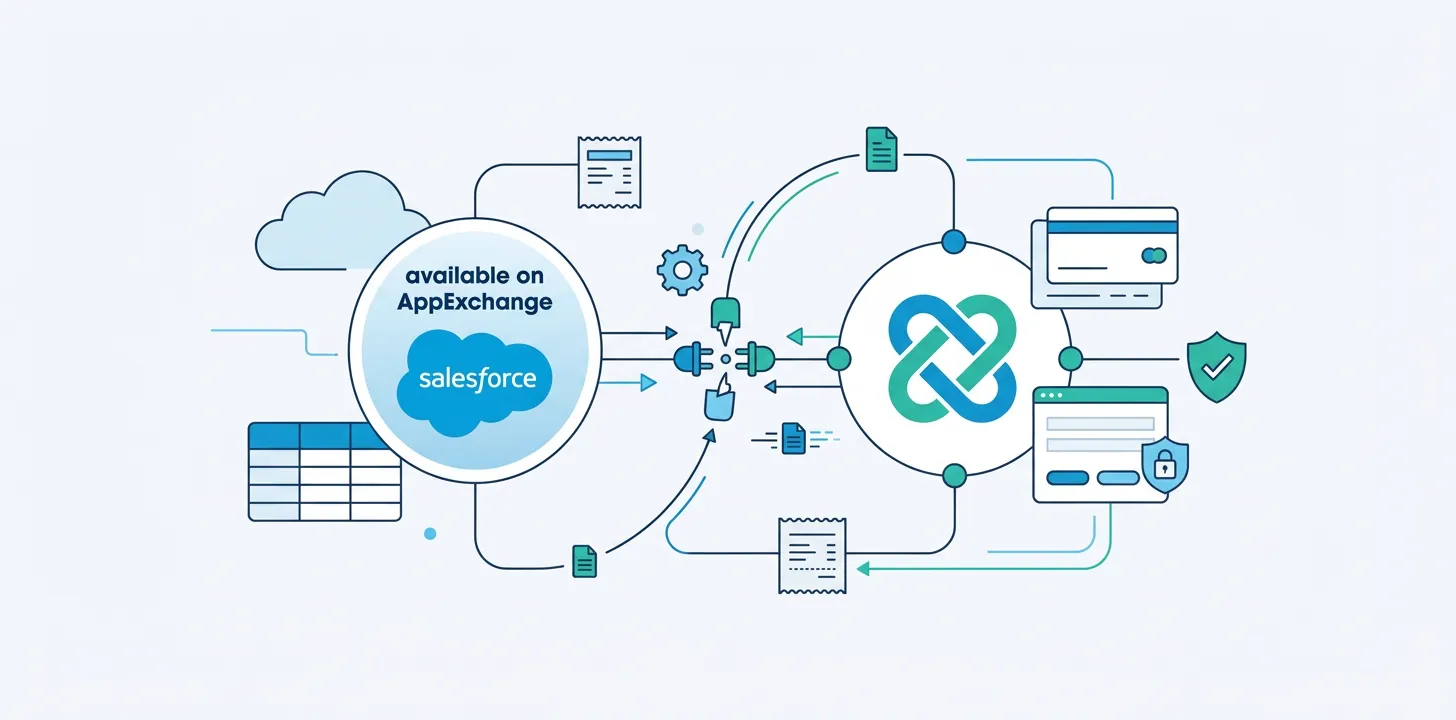
Braintree is a payments platform that makes it easy to accept payments in your app or website. It’s a simple way to get paid for your great ideas across any device and through almost any payment method. Braintree can handle regular credit card payments, as well as ACH, Venmo, and Paypal (Braintree, as well as Venmo, is owned by its parent company Paypal).
Two Ways to Connect to Braintree
Braintree SDK’s
One way to integrate Salesforce with Braintree is by using Braintree’s Server SDKs. However, you can’t directly integrate Salesforce to Braintree using this method. You will need to create your own middleware. For example, you could use Heroku Dynos or AWS Elastic Beanstalk, running Java, .NET, Node.js, PHP, Python and Ruby. This will act as a middleware between Salesforce and Braintree. All requests to and from Salesforce will need to pass through this middleware.
Because this method requires the creation of middleware, we will not be focusing on this method in this blog post.
GraphQL API
GraphQL API is an end-to-end integration. With this method, Salesforce can directly integrate with Braintree.
GraphQL is a query language, which provides the flexibility to request exactly what is needed and nothing more. You construct a request by defining the resources you want via a POST call to Braintree’s server, and receive the corresponding response.
Benefits of Integrating with Braintree
By integrating with Braintree, we can pull in Customers, Payment Methods and Payments to Salesforce. This will allow us to see what transactions have taken place.
Additionally, from within Salesforce, we can create in Braintree Customers and Payment Methods, and to charge those Payment Methods (thus creating Braintree Payments).
Connecting to Braintree via GraphQL
To integrate with Salesforce we need to create a Braintree account and get the needed credentials. First, create a Braintree Account.
Then, retrieve your Public Key and Private Key from the API section.
From within a Salesforce Developer Account, we can retrieve Braintree Customers and create corresponding Salesforce Accounts. This is an Apex Class that will fetch Braintree Customers into Salesforce.
The Braintree Customers will be visible in your Apex Debug Log. From there, you can write additional Apex to either copy this data into Salesforce Accounts or you can create your own custom objects to represent Braintree Customers.
[java]
public class Braintree{

    public static HttpResponse post(String requestBody) {
        HttpRequest req = new HttpRequest();
        String braintreePublicKey = ‘publicKey’;
        String braintreePrivateKey = ‘privateKey’;
        Blob headerValue = Blob.valueOf(braintreePublicKey + ':' + braintreePrivateKey);
        String authorizationHeader = 'Basic ' + EncodingUtil.base64Encode(headerValue);

        req.setHeader('Authorization', authorizationHeader);
        req.setMethod('POST');
        req.setEndpoint('https://payments.sandbox.braintree-api.com/graphql');
        req.setHeader('Content-Type', 'application/json');
        req.setHeader('Braintree-Version', '2019-01-01');
        req.setBody(requestBody);

        HttpResponse response = new Http().send(req);
        return response;
    }
    public void fetchCustomers(){
        String requestBody = '{"query": "query { search { customers ( input: {}, first: 50, after: null) { pageInfo { hasNextPage endCursor } edges { node { id company email firstName lastName phoneNumber} cursor } } } }"}';

        HttpResponse responseFromBraintree = post(requestBody);
        system.debug('response from Braintree'+responseFromBraintree.getBody());
        JSONParser parser = JSON.createParser(responseFromBraintree.getBody());
        Customers responseData;
        while(parser.nextToken() != NULL){
            if ((parser.getCurrentToken() == JSONToken.FIELD_NAME) && (parser.getText() == 'customers')){
                parser.nextToken();
                if(parser.getCurrentToken() == JSONToken.START_OBJECT ){
                    responseData = (Customers)parser.readValueAs(Customers.class);
                }
            }
        }
        system.debug('CustomerWrapper------'+responseData);
    }
    public class Customers{
        public PageInfo pageInfo;
        public list<CustomerNode> edges;
    }
    public class CustomerNode{
        public CustomerWrapper node;
    }
    public class PageInfo{
        public Boolean hasNextPage;
        public String startCursor;
        public String endCursor;
    }
}

public class CustomerWrapper{
        public String id;
        public String company;
        public String email;
        public String firstName;
        public String lastName;
        public String phoneNumber;
        public Datetime createdAt;
}
[/java]
Code-Free Ways to Connect to Braintree
If you aren’t a developer, then you’ll need to use an existing, pre-built integration such as Breadwinner Payments, which integrates Braintree and Salesforce. You’ll be able to get up and running within minutes and see all your historical Braintree Customers, Braintree Payments, and Braintree Payment Methods, all within Salesforce. And you can easily create and charge customers too with Breadwinner.