
Missing the Plus Button on Salesforce Gmail Integration
A step-by-step guide to resolving the missing plus button issue in the Salesforce Gmail Integration Chrome Extension.
Mike Honekamp
December 6, 2020
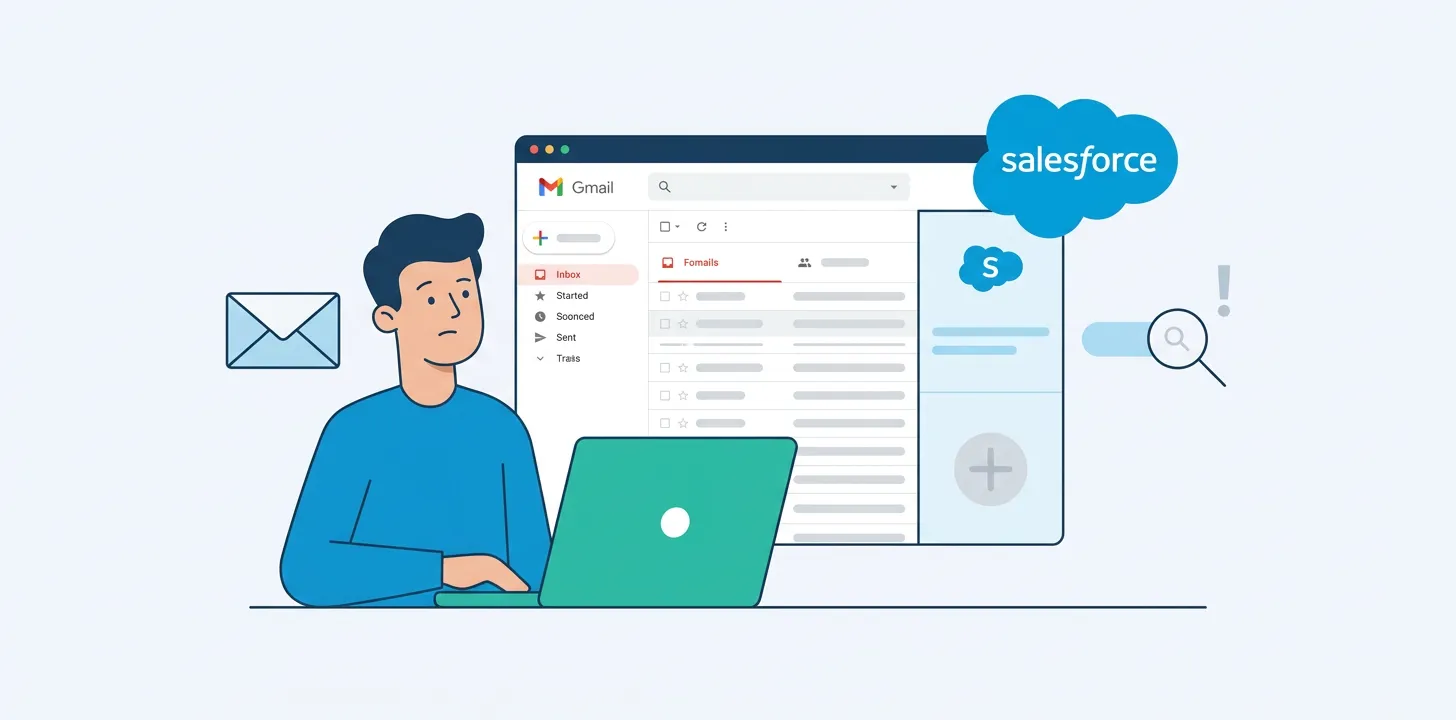
I got stuck on this one for a while!
The Gmail Integration Chrome Extension was showing related Accounts and Contacts but was not letting me create any. Arghh!
And Salesforce’s documentation doesn’t tell you what to do to allow creation of records (at least, I couldn’t find anything).
The solution is easy, but not obvious.
Go to Setup, so you’re on the Gmail and Lightning Integration Sync (just type “Gmail” into the Setup Search box to get there).
Check to see if you have one or more Application Panes, but No Publisher Layouts (or have Publisher Layouts, but none are assigned to your profile).
If you have None, then click New to create one. For every action you want to do, you’ll need a button.
Or, if you have one or more Publisher Layouts, click the “Publisher Layout Assignment” and make sure one is assigned to you, and that the Publisher Layout has the buttons/action you want.
Click Save, and reload Gmail!
(It might take a minute or two, make a cup of coffee and check again if it’s not immediately appearing).
After that, if it still doesn’t work, I don’t know what to do, you might have to file a case with Salesforce. Good luck!