
Understanding API vs Native Apps: QuickBooks
Choosing between an API-only app and a native app to integrate QuickBooks with Salesforce? We break down the key differences to help you decide.
Gerhard Dohne
February 18, 2021
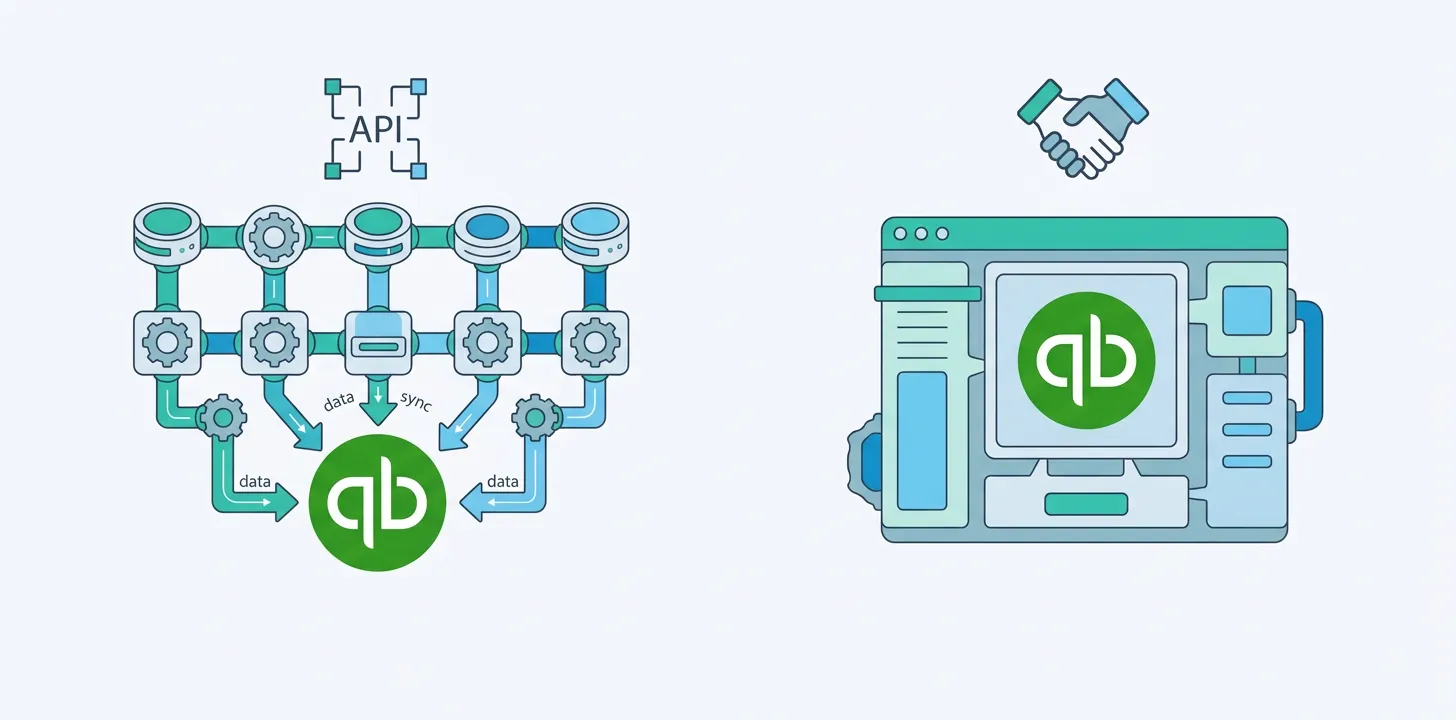
One of the biggest questions when deciding how to integrate QuickBooks with Salesforce is choosing between an API Only App and a Native App.
The correct choice will depend on your business needs. We explain the difference between the two below.
API Only Apps
An API-only app does not include any Salesforce objects, pages, or workflow. In fact, it isn’t installed into Salesforce at all but instead connects to Salesforce. This means that the API-only app will move data back and forth between Salesforce and QuickBooks, but your users will not log in to the app or see anything different when using Salesforce. An API-only app will work in the background, constantly checking data in each system, and pushing data back and forth when triggered by certain events.
Some API-only apps are only capable of creating records, while others are capable of updating records.
Because API-only apps do not include any custom objects in Salesforce, they are usually configured to connect to standard Salesforce objects. So, it’s typical for a Salesforce opportunity or Salesforce quote to be synced to a specific QuickBooks invoice, and for a Salesforce account to be synced with a specific QuickBooks invoice. This is powerful as your users can continue working with the objects that they are familiar with.
However, this approach can cause problems. For instance, if you ever want to raise a second invoice on the same Opportunity, or connect a second QuickBooks contact to the same Salesforce account, you can’t do this. To get around this, some people will create their own custom objects in Salesforce and write custom mappings (or custom scripts) in the API app to push and pull data out of these custom objects.
One of the strengths of an API-only app is that it can connect to many things, not just QuickBooks. So, for instance, when an opportunity is marked as closed-won, not only will an invoice and optionally a QuickBooks company be created, but an email might be sent via MailChimp and a note created in Evernote or Basecamp.
One of the challenges of an API-only app, at least if you write your own mapping and scripts, is that the data accuracy is ultimately up to you. So if you find that the data in one system is not what you want it to be, this might be the responsibility of you and your consultant, not the API app, as they executed your script correctly but it was the script itself that has errors.
Native Apps
A “native app”, like Breadwinner for QuickBooks, is installed into Salesforce from the AppExchange. It includes Salesforce components (like objects, tabs, pages, and workflow) that come pre-built. Upon installation, you might find that everything is already built and mapped and that minimal effort is required to configure everything.
Because QuickBooks has a fairly rigid structure, an invoice will always have the same fields, and the line items below that invoice will always have the same fields. A native app can take advantage of QuickBooks’s rigid structure and replicate QuickBooks data back into Salesforce.
“DBSync”, “QB Connect”, and “Commercient SYNC” will replicate over, at a minimum, the invoices from QuickBooks into Salesforce (though not necessarily Credit Memos, Sales Receipts, Refund Receipts, Bills, Purchase Orders, Payments, and/or Line Items).
Because a native app lives inside of Salesforce, it can also provide more configuration within Salesforce, and often tighter data mapping than is possible with an API-only application. This comes at a slight cost, in that Native Apps will only connect just two things, in this case, Salesforce and QuickBooks.
This deeper connection means that, for some apps, they will guarantee the accuracy and completeness of your data inside of Salesforce. These are two important concepts. Completeness means that all of your QuickBooks invoices have been replicated back to Salesforce. And accuracy means that the numbers are all correct, or at least were at the time of the last sync (for most native apps, within the hour).
While native apps might replicate the QuickBooks invoice over into Salesforce in a similar manner, many other things will be markedly different. The user interface and onboarding experience can be radically different. Support levels will vary. And not all will guarantee that your QuickBooks invoice data will be replicated over to Salesforce perfectly. Some native apps might require you to use opportunity products, while others might require you to use quotes.
You can also read more about Salesforce and QuickBooks integration alternatives to Breadwinner for QuickBooks.
To learn more about how Breadwinner for QuickBooks works in Salesforce, book a personalized demo with our friendly team.