






Stripe Salesforce Integration: How to Choose Between the 3 Ways to Connect Them
There are three ways to set up a Stripe Salesforce integration: Stripe's own app, a native AppExchange app, or a custom build. Here is how each works, what it costs, and how to choose.
Anthony Wong
July 16, 2026
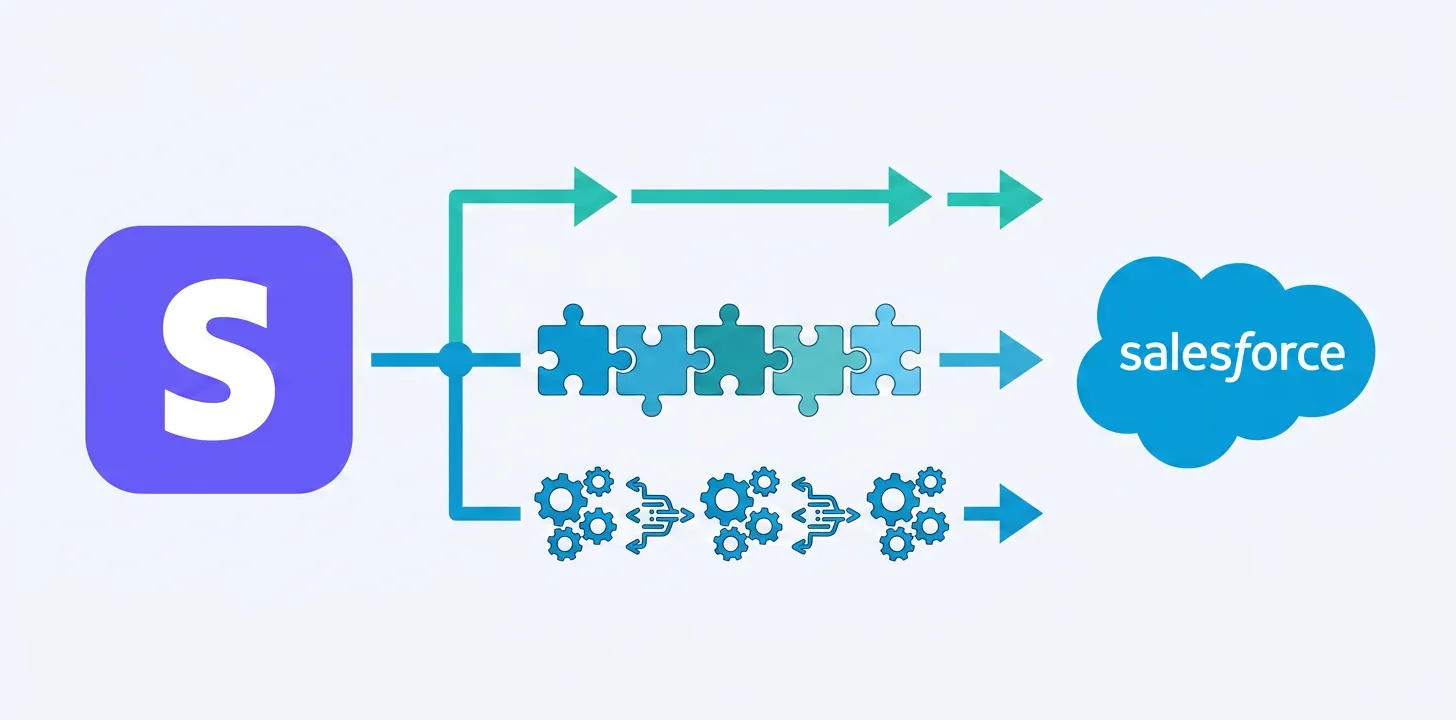
There are three ways to set up a Stripe Salesforce integration: Stripe’s first-party app, a purpose-built native AppExchange app, or a build-it-yourself route through an iPaaS or the APIs. The right choice depends on one question: who will own the integration in 18 months, your developers or a vendor?
That question is worth more than it first appears. Forrester research has found that a well-integrated CRM improves sales productivity by around 26%, and Nucleus Research found a mobile-enabled CRM with real-time data raises revenue per salesperson by 41%. Those returns depend on the CRM actually containing the data your team needs. Gartner estimates that poor data quality costs organizations an average of $12.9 million per year, and payment data sitting in a system your Salesforce users cannot see is exactly that kind of gap.
Here is how each of the three routes works, who it suits, and what it really costs.
Can you integrate Stripe with Salesforce using Stripe’s own app?
Yes. Stripe publishes Stripe for Salesforce Platform on the AppExchange, and it syncs core Stripe objects (customers, invoices, subscriptions, payments) into Salesforce as custom objects. Stripe’s documentation describes it as an “integration builder”: it supplies Salesforce Flow templates and Apex resources that your team modifies and deploys to build workflows, such as creating a Stripe subscription when an order is activated.
The strengths are real. It is first-party, so it tracks Stripe’s own roadmap. Billing data sync is simple to switch on. The Apex and API resources are well documented, and the most positive AppExchange reviews come from development teams building custom solutions on top of it.
The trade-offs are equally real. The operative words are modify, deploy, and Apex: the app provides raw materials, and your team builds the workflows. It averages 3.68 stars across 19 AppExchange reviews (checked July 2026), with support response times and API version gaps as the recurring complaint themes. The listing costs $1 one time, but the working cost is developer time, first to build the workflows and then to maintain them through every Salesforce release and Stripe API change.
Best for: teams with in-house Salesforce developers, bespoke requirements, and the appetite to own an integration long-term.
What does a native Stripe Salesforce integration app do differently?
A native app ships with the workflows already built, so admins can run payments from Salesforce on day one without writing code. Breadwinner Payments is a native Salesforce managed package: Stripe customers, charges, subscriptions, and payment methods land as Salesforce objects on the account records your reps already use, and actions like creating a subscription from an Opportunity or capturing a charge work out of the box.
Installation with pre-configured field mappings typically takes under an hour. Admins build custom button-driven payment workflows through a guided wizard rather than Apex. Two-way sync runs in real time via webhooks. Card data stays tokenized in Stripe, which keeps the org PCI-aligned, and the vendor owns maintenance under annual SOC 2 Type II audits with a dedicated support team. The same package also connects Square and Braintree, so adding or switching processors later is not a second integration project. It holds a 5.0-star rating across 13+ reviews on its AppExchange listing, and customers like The Learning & Performance Institute report saving 6 hours per week running Stripe membership subscriptions from Salesforce, with 100% transaction sync success.
The trade-off: it is a paid subscription rather than a $1 install, and deeply bespoke workflows will eventually reach for its API, a comparable lift to Stripe’s Apex route, though most teams never need to.
Best for: admin-led and RevOps teams who want payment data and payment actions in Salesforce this week, without a development project.
Should you build a custom Stripe Salesforce integration instead?
Only if Stripe-to-Salesforce is one hop in a larger automation strategy you already staff for. The third route is assembling your own integration, either through an iPaaS platform (Zapier, Workato, Make) or directly against the Stripe and Salesforce APIs.
The appeal is maximum flexibility. If an iPaaS is already in your stack for cross-app automation, adding a Stripe recipe feels cheap. A fully custom build can model anything.
The cost is that you own accuracy, edge cases, and maintenance forever. Payments are full of edge cases: partial refunds, disputes, dunning states, multi-currency. A recipe that silently drops one of them creates exactly the data-quality problem you set out to fix. We cover why this pattern struggles for financial data specifically in Breadwinner vs. Workato and The financial data problem iPaaS can’t solve.
Best for: engineering-led teams standardizing many integrations on one iPaaS, or businesses with truly unusual payment models.
Stripe Salesforce integration options compared
| Stripe for Salesforce Platform | Breadwinner Payments | iPaaS / custom build | |
|---|---|---|---|
| Built for | Developers (Flow + Apex) | Admins and RevOps teams | Engineers / automation teams |
| Setup time | Install fast; workflows are a developer project | Under an hour; mappings pre-configured | Build and test everything |
| Sync direction | Two-way, core Stripe objects | Two-way, real time via webhooks | Whatever you build |
| Middleware required | No (managed package) | No (native managed package) | Yes (iPaaS) or custom infrastructure |
| Processors | Stripe only | Stripe, Square, Braintree | Whatever you build |
| Security | Stripe-hosted processing | Tokenized card data; SOC 2 Type II audited vendor | Your responsibility |
| Pricing model | $1 one time, plus developer time | Subscription (quote-based; see pricing page) | Platform fees plus build and maintenance time |
| Who owns maintenance | Your developers | Vendor | You |
| AppExchange rating | 3.68 stars (19 reviews) | 5.0 stars (13+ reviews) | n/a |
When is each option the right choice?
Stripe’s first-party app is the right choice when you have Salesforce developers on staff, requirements that off-the-shelf workflows will not cover, and the intent to own the integration as a product of your own. It is flexible raw material at negligible license cost.
A native app is the right choice when the goal is payments visible and actionable in Salesforce without a development project, when your admins rather than engineers will run it, or when more than one payment processor is in your present or future. Vendor-owned maintenance keeps delivering value after every Stripe API change.
A custom build is the right choice only when Stripe is one node in a wider automation web you already maintain, and you accept owning financial edge cases yourself.
For a deeper head-to-head of the first two options, see our full comparison: Breadwinner Payments vs. the Stripe Salesforce Connector (link once the comparison page is live). For the wider decision including Salesforce’s own payment products, see 3 ways to take payments in Salesforce.
How much does a Stripe Salesforce integration cost?
Stripe’s own app is listed at $1 one time on the AppExchange, but building and maintaining real-world workflows requires ongoing Salesforce developer time, which is the true cost of ownership. Native apps such as Breadwinner Payments charge a subscription that includes pre-built workflows, maintenance, and support; integration app pricing is quote-based, so use the pricing page as the reference. An iPaaS route adds platform fees on top of build time.
Can you create Stripe subscriptions from Salesforce?
Yes. With Breadwinner Payments this works out of the box: a rep creates the Stripe subscription from the Opportunity or Account record, with pricing, billing schedule, and coupons populated against your Stripe configuration. With Stripe’s app, your developers build the equivalent workflow from the provided Flow templates and API actions.
Does a Stripe Salesforce integration affect PCI compliance?
A well-designed integration keeps card data tokenized in Stripe, so raw card numbers never touch your Salesforce org. Confirm the specifics (tokenization, SOC 2 auditing, what data is stored where) with any vendor you evaluate before install.
Want to see a Stripe Salesforce integration running against a live test environment? Book a Breadwinner Payments demo: 30 minutes in a Salesforce sandbox connected to Stripe test mode, with your hardest payment workflow on the agenda.