






Does NetSuite Integrate with Salesforce? (Yes, Here's How)
Yes, NetSuite integrates with Salesforce. Four routes compared: native AppExchange app, iPaaS, Oracle's connector, custom build, plus how to choose.
Breadwinner Team
August 28, 2026
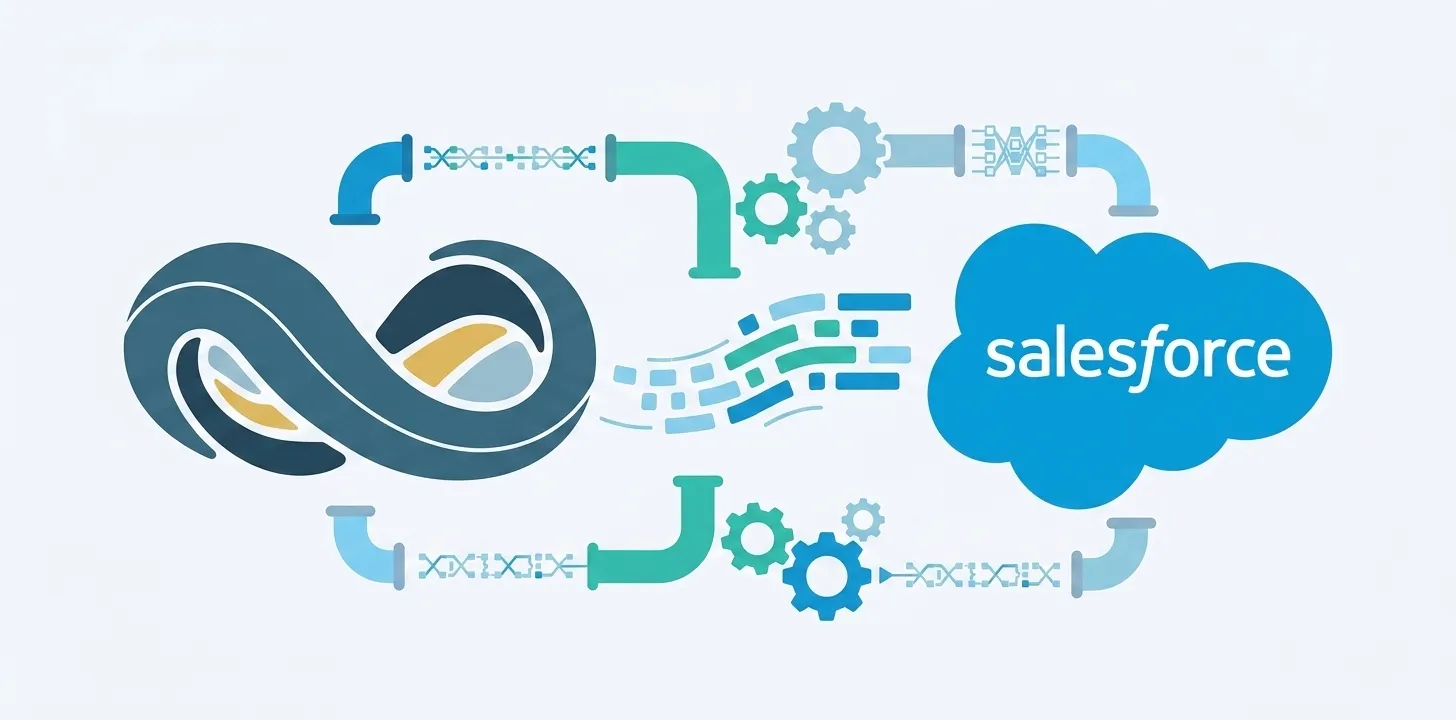
Yes — NetSuite integrates with Salesforce. Four routes are available: a native Salesforce AppExchange app (fastest to deploy, no middleware), a general-purpose iPaaS platform such as Celigo, Workato, or Boomi, Oracle’s NetSuite Connector for Salesforce, or a custom API build. The right choice depends on your setup timeline, maintenance capacity, and whether you need multi-subsidiary or multi-currency support.
The rest of this guide explains what each route actually looks like, what it costs in time and effort, and how to pick.
The 4 ways to integrate NetSuite with Salesforce
At a high level:
- Native Salesforce AppExchange app (e.g. Breadwinner) — installs inside your Salesforce org, no middleware, real-time two-way sync out of the box.
- General-purpose iPaaS platform — Celigo, Workato, or Boomi. Broad app support, but you configure and maintain finance-specific recipes yourself.
- NetSuite Connector for Salesforce — Oracle’s own product on the AppExchange. Configured mostly on the NetSuite side; fits straightforward sync of standard objects.
- Custom API integration — build against NetSuite’s SuiteTalk (SOAP) or REST APIs with Apex callouts on the Salesforce side. Maximum flexibility, permanent maintenance load.
Each is a legitimate choice for different teams. The differences show up in three places: how long installation takes, who owns ongoing maintenance, and how well the tool handles ERP edge cases (multi-subsidiary, multi-currency, credit memos, fulfillments, custom objects).
1. Native Salesforce AppExchange app (fastest, most Salesforce-native)
A native app is a managed package installed directly from the Salesforce AppExchange into your Salesforce org. NetSuite records — Companies, Sales Orders, Invoices, Payments, Items, Fulfillments — sync into native Salesforce custom objects and appear on the account records your reps already use. There is no external integration cloud between the two systems.
Breadwinner’s native NetSuite Salesforce integration is one example: it installs in hours, ships with pre-configured field mappings, and is multi-subsidiary and multi-currency aware. Because the sync logic runs inside your Salesforce security boundary, you inherit Salesforce’s permission sets, profiles, and sharing rules rather than managing a separate access layer. To put the same data in front of your Agentforce agents, see how to connect NetSuite to Agentforce.
Best for: teams that want NetSuite data visible in Salesforce this week, without a development project, and prefer vendor-owned maintenance.
2. General-purpose iPaaS platform (Celigo, Workato, Boomi)
An iPaaS is a general-purpose integration platform. You configure “recipes” or workflows that move data between NetSuite, Salesforce, and any other apps in your stack.
The strengths are breadth (many app connectors on one platform) and flexibility (you can model almost any workflow). The trade-off is that you own the accuracy and maintenance of every recipe. Finance is full of edge cases — partial payments, credit memos, multi-currency, multi-subsidiary, tax logic — and a recipe that silently drops one of them creates the exact data-quality gap you were trying to close.
Best for: engineering-led teams that already run an iPaaS platform for cross-app automation, and are willing to invest in building and maintaining finance-specific recipes.
3. NetSuite Connector for Salesforce (Oracle)
Oracle publishes its own connector for Salesforce on the AppExchange. It handles bi-directional sync of standard NetSuite records into Salesforce and is a reasonable choice if your requirements are close to the connector’s defaults.
Configuration happens largely on the NetSuite side, which is a good fit for teams whose operations sit primarily in NetSuite and who have NetSuite admin capacity. Customization beyond the defaults tends to be more limited than with a purpose-built Salesforce-native app, and the Salesforce-side experience isn’t as tailored to sales-team workflows.
Best for: NetSuite-first teams comfortable configuring the integration primarily from inside NetSuite, with straightforward sync requirements.
4. Custom API integration
NetSuite exposes both SuiteTalk (SOAP) and a REST API. A custom integration means building against those APIs from Apex callouts on the Salesforce side, storing synced data in your own custom objects, and running the sync loop on a schedule or via triggers.
The upside is maximum flexibility — you can model anything. The downside is that you own everything: OAuth setup, retry logic, rate-limit handling, error alerting, sync scheduling, field-mapping UI for admins, and ongoing maintenance for every NetSuite API version change. That is typically several months of initial engineering plus a permanent maintenance load.
Best for: engineering-led teams with unusual requirements that off-the-shelf tools genuinely can’t satisfy, and the appetite to own the integration long-term.
How to choose the right approach
Answer these five questions honestly and the right route usually becomes obvious:
- Do you have Salesforce developers on staff long-term? If no → native AppExchange app. If yes → any option is on the table.
- How many NetSuite subsidiaries? Multi-subsidiary environments are where purpose-built native apps pull ahead — most iPaaS recipes assume a single-subsidiary model.
- Do you need multi-currency support? Same reasoning — native apps handle this out of the box; iPaaS and custom builds require you to design for it.
- How fast do you need first value? Hours (native app), weeks (iPaaS or connector), or months (custom build).
- Do you want the finance data inside your Salesforce security boundary? Native apps run inside your org. iPaaS platforms and custom builds route data through external infrastructure — that’s a separate attack surface to review.
For most SMB and mid-market teams that run Salesforce for sales and NetSuite for finance, the native AppExchange app answers all five in the direction of least effort. Larger engineering-led shops with an existing iPaaS investment often go that route. Custom builds are the right call in a narrow set of cases.
Frequently asked questions
Does Salesforce have a native NetSuite integration?
Salesforce doesn’t publish its own NetSuite integration. The Salesforce AppExchange hosts native apps (like Breadwinner) that install directly into your Salesforce org and behave as if they were part of Salesforce itself. Oracle also publishes a NetSuite Connector for Salesforce.
Is a NetSuite-to-Salesforce integration two-way?
It depends on the tool. Native AppExchange apps like Breadwinner support real-time two-way sync out of the box. iPaaS recipes and custom builds are only as bi-directional as the workflows you configure — one-way sync is often the default until you extend it.
How long does it take to integrate NetSuite with Salesforce?
Native AppExchange apps typically install in hours. iPaaS implementations run several weeks depending on how many workflows you configure. Custom builds are multi-month engineering projects. NetSuite Connector for Salesforce falls between native app and iPaaS depending on how much customization you need.
Does a NetSuite Salesforce integration require middleware?
Native AppExchange apps do not — they run inside your Salesforce org with no external integration platform. iPaaS solutions require middleware by definition (the iPaaS itself). Custom builds require whatever infrastructure you build to run the sync loop.
Ready to see a native NetSuite Salesforce integration in action? Book a Breadwinner demo — 30 minutes in a Salesforce sandbox wired to a NetSuite sandbox, with your hardest finance workflow on the agenda.
Still comparing vendors? Our guide to the best NetSuite Salesforce integration tools compares seven options side by side.