






QuickBooks Data in AI Assistants
Why AI assistants cannot simply read QuickBooks: a 25-user cap, coarse roles, and an API with no joins. Four routes around it, from Intuit to hosted access.
Breadwinner Team
September 15, 2026
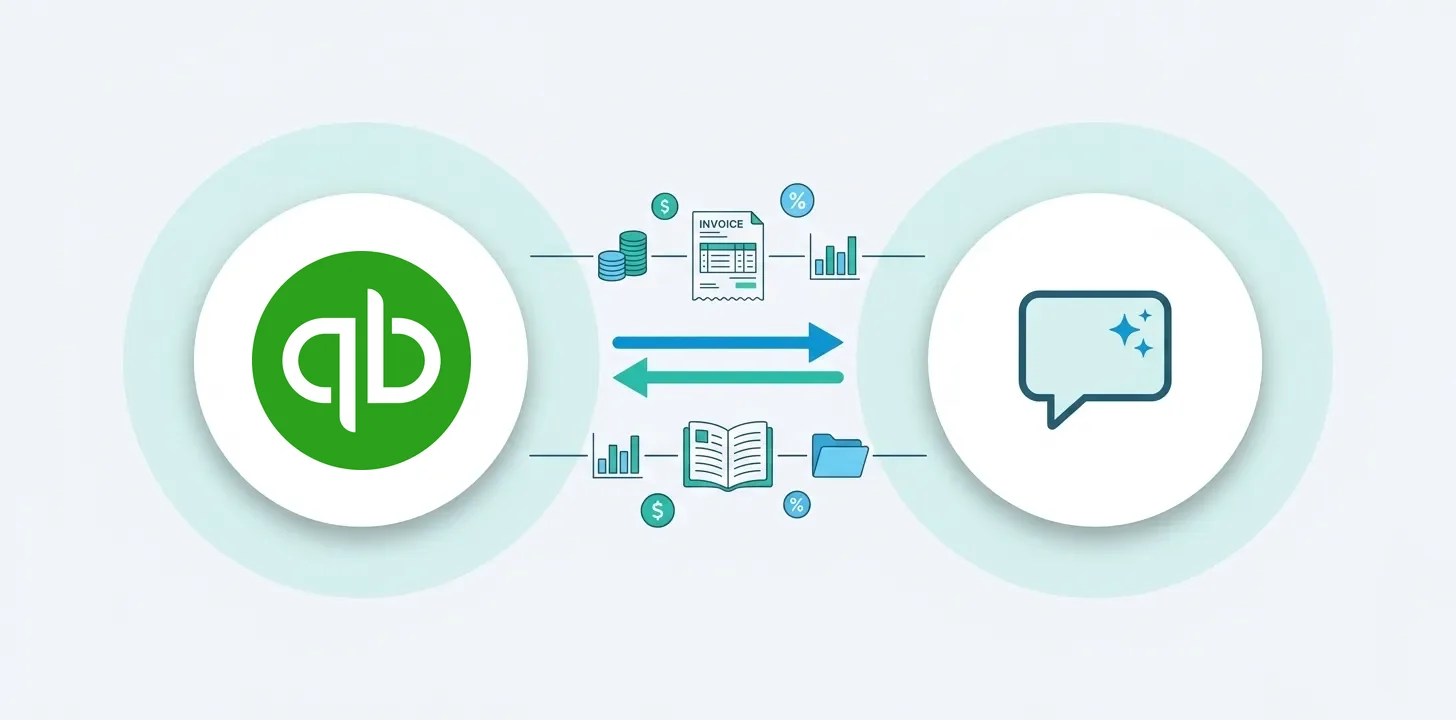
AI assistants can read QuickBooks data today, and the setup is not the hard part. The hard part is three constraints built into QuickBooks itself, and the route you pick is really a choice about which constraint you are working around. This post explains the constraints first, because they decide everything, then the four routes.
The problem they create is one we watch from the Salesforce side every day: Breadwinner gives sales teams QuickBooks data inside their CRM, and the immediate next question from customers is how everyone outside Salesforce and outside QuickBooks gets the same answers. Increasingly the place they want those answers is an AI assistant, and finance leadership is pulling the same direction: in Deloitte’s fourth-quarter 2025 CFO Signals survey, 87 percent of CFOs said AI will be extremely or very important to their finance operations in 2026, and 54 percent named integrating AI agents into finance a top transformation priority.
The three constraints
QuickBooks caps user seats at 25, and that is the top plan. Intuit’s usage limits allow 25 billable users on the highest tier and 1, 3, or 5 on the others. Unlimited reports-only seats exist, but those stop at viewing reports. A growing company literally cannot give the whole team working access, whatever it is willing to pay.
Roles are coarse. There is no role scoped to read-only invoices and payments. Access enough to answer “has Acme Corp paid?” is access to far more than that.
The API answers narrow questions. QuickBooks’ query interface works one entity at a time, with no joins and no GROUP BY. Standard reports cover standard questions. A custom question that crosses entities (“open invoices over $5,000 by customer, this quarter versus last”) means multiple API calls plus math in application code, or math done by the AI model, which is how plausible wrong numbers get into a deal review.
Any route to AI access has to answer all three, not just plug in.
Route 1: Intuit’s native assistant connectors
Intuit now ships QuickBooks connectors you turn on from inside the assistant itself. In Claude, QuickBooks appears in the Connectors menu and reads live QuickBooks data. In ChatGPT, the Intuit QuickBooks app connects the same way, currently for US accounts only. No developer setup, no OAuth app of your own.
These are the shortest path for a person who already has a QuickBooks login, and if that describes you, start here. What they do not change is who can ask: access to live QuickBooks data requires an active QuickBooks account, so this route lives inside the 25-seat cap rather than around it, and there is no equivalent native route for Gemini. They also write. For Claude, Intuit documents creating, updating, sending, and deleting invoices and estimates, importing transactions, and updating company details; the ChatGPT app is write-capable, though Intuit does not document the same operation list for it. Either way, this is not a read-only route you hand to the whole company.
Route 2: Intuit’s official MCP server
Intuit publishes a free, open-source MCP server on GitHub, and it is well built: as of September 2026 its README lists 144 tools across 29 entity types and 11 financial reports. For a developer building AI tooling on QuickBooks, it is the right starting point, and we recommend it without hedging.
Its shape matters, though. It runs locally, needs an app on the Intuit Developer Portal plus OAuth, and registers create, update, and delete tools by default (environment flags can disable them). It is one developer’s connection, carrying that developer’s access. None of the three constraints above are its job to solve.
Route 3: automation platforms
Zapier-class tools now expose QuickBooks actions to AI. Good when the goal is AI doing things inside workflows: draft an invoice, post a reminder. They are action-first by design, which is the opposite of what most teams want when the goal is safe, wide, read-only answers.
Route 4: hosted, read-only team access
Built to answer the three constraints directly. Kipper, our sister product, syncs a copy of QuickBooks (updated in real time via webhooks) and answers plain-language questions by generating SQL against that copy, so cross-entity math happens in a database, not in the model. Its own permission layer scopes visibility per user or team, which fixes the coarse-roles problem, and because access does not consume QuickBooks seats, the 25-user cap stops mattering: pricing is $200 per month including 10 Kipper users (details). It is read-only by architecture, which is precisely why it can be opened to people who would never get a QuickBooks login. Every question is logged.
Inside AI assistants, that same governed access is what Kipper’s QuickBooks Claude connector, QuickBooks ChatGPT connector, and QuickBooks Gemini connector provide: ask in the assistant, get the computed figure back, typically in about five seconds. The difference from Route 1 is who can ask, and what can happen. Intuit’s native connectors need an active QuickBooks account to reach live data and can write to the books; Kipper answers for people with no QuickBooks login at all, is read-only by architecture, and covers Gemini, which Intuit’s connectors do not.
Which route answers which constraint
| Constraint | Intuit’s native connectors | Intuit’s MCP server | Automation platforms | Hosted (Kipper) |
|---|---|---|---|---|
| 25-user cap | Requires a QuickBooks user | Not its job | Not its job | Sidestepped, access without QuickBooks seats |
| Coarse roles | Not documented | Inherits them | Inherits them | Own permission layer |
| No joins in the API | Not documented | Inherits it | Inherits it | SQL over a synced copy |
| Assistants covered | Claude, ChatGPT (US only) | Any MCP client you configure | Platform-dependent | Claude, ChatGPT, Gemini |
| Who it serves | An existing QuickBooks user | A developer | Workflow builders | The team |
| Read-only | No, writes documented (Claude) | No by default | No | Yes, by architecture |
| Cost | Included | Free plus time | Plan-based | From $200/month |
Every option, including community servers and the tradeoffs in more depth, is in Kipper’s QuickBooks MCP guide.
Frequently asked questions
Can ChatGPT or other AI assistants read QuickBooks data?
Yes. Intuit ships native connectors for Claude and ChatGPT (ChatGPT US-only as of September 2026), and beyond those there are Intuit’s developer MCP server, automation platforms, and hosted read-only services. They differ in who can use them and which QuickBooks constraints they inherit.
Does QuickBooks have AI built in?
Yes, for people logged into QuickBooks: categorization help, anomaly flags, and report questions. The routes in this post exist for everyone at the company who does not have a login, which the 25-seat cap guarantees is most people.
Can an AI assistant change my QuickBooks data?
Depends on the route. Intuit’s native connectors write. For Claude, Intuit documents creating, updating, sending, and deleting invoices and estimates, importing transactions, and updating company details; the ChatGPT app is write-capable, though Intuit does not publish the same operation list for it. Intuit’s developer MCP server registers write tools by default (they can be disabled). Automation platforms write by design. Hosted read-only services cannot write at all, which is what makes company-wide rollout safe.
Last verified: September 2026. Tool counts and features move quickly; the dated claims above were checked against vendor documentation at writing time.