






How to Connect Xero to Agentforce
Connecting Agentforce or Claudeforce to Xero is easy to start and full of headaches to run. See the DIY flow, Xero's permission limits, and the easier native way with Breadwinner.
Breadwinner Team
October 7, 2026
Technically reviewed by the Breadwinner engineering team
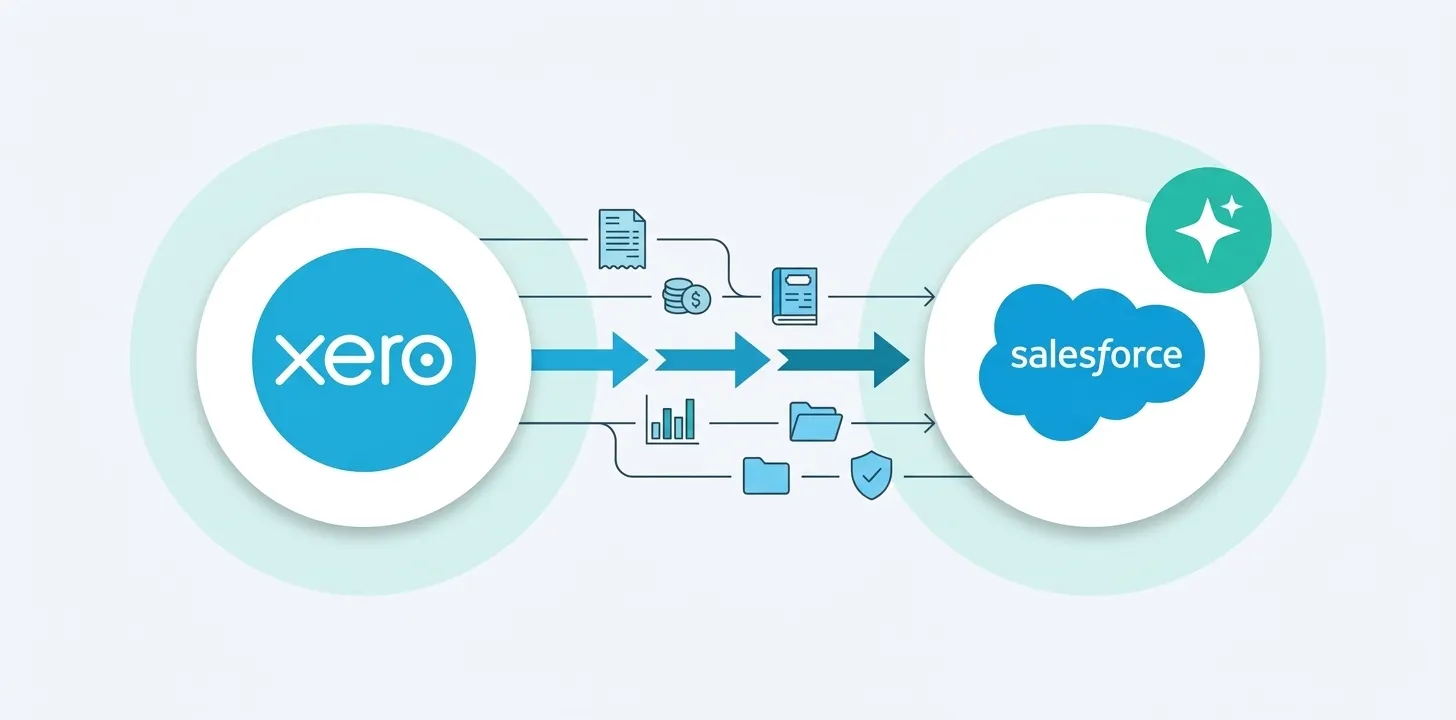
You can connect Xero to Agentforce, and there are two ways to do it: wire Agentforce directly to the Xero API yourself, or bring Xero data into Salesforce as native records first and let Agentforce read it there. The same choice applies to Claudeforce, the Claude-powered version of Salesforce’s agents. The direct route is easy to start and full of headaches to run: it reaches your Xero data through coarse, org-wide access, gives you no reporting or controls inside Salesforce, and pushes you toward building a data warehouse to do it safely. The native route is the one finance and IT teams can actually sign off on, and it is easier. Here is how each works, and where the direct route breaks.
Can Agentforce connect to Xero?
Yes. Agentforce agents can answer questions and take actions using Xero data, but only if that data is reachable from Salesforce. Agentforce reasons over what lives in your Salesforce org and the actions you expose to it. Xero data does not live in Salesforce by default, so something has to put it there, or fetch it on demand. That choice, fetch-on-demand versus native records, is the whole decision.
Option 1: Connect Agentforce directly to the Xero API (the DIY route)
Starting is deceptively easy, and that is the trap. The do-it-yourself path is to build a custom Agentforce action that calls the Xero API, and point your agent at it. In practice that is:
- Register a Xero developer app and complete the OAuth 2.0 flow, including the
offline_accessscope so you get a refresh token to keep the connection alive. - In Salesforce, create an External Credential and a Named Credential to hold the Xero authentication and endpoint, and to pass the required
xero-tenant-idheader for the right Xero organization. - Import the Xero API as an External Service from its OpenAPI schema, or write Apex that calls it through the Named Credential.
- Build the Agentforce action, define its inputs and outputs, add it to the agent’s topic, write the instructions, and test it.
- Then own it: token refresh, rate limits, pagination, the
xero-tenant-idheader for every connected organization, and a fix every time the Xero API changes.
For a single read-only lookup in a demo, this works, which is exactly why it looks tempting. The headaches start the moment you move past the demo.
A point worth being clear on: Agentforce cannot do any of this out of the box. Its standard actions cover summarizing records, drafting emails, and finding or aggregating Salesforce data. Creating an invoice, reading a balance, or syncing a payment are custom actions you build and maintain in Apex, Flow, or a prompt template. So “connect Xero to Agentforce” always means “build and own the connection,” unless you use a package that ships it.
Here is what even a simple “create an invoice” custom action looks like, so the maintenance load is concrete:
// Illustrative: a custom Agentforce action that creates a Xero invoice.
// Agentforce has no standard finance action, so you build and own this.
public with sharing class CreateXeroInvoice {
    @InvocableMethod(label='Create Xero Invoice')
    public static void create(List<Request> requests) {
        for (Request r : requests) {
            HttpRequest req = new HttpRequest();
            // A Named Credential holds the OAuth token and base URL.
            req.setEndpoint('callout:Xero/api.xro/2.0/Invoices');
            req.setMethod('POST');
            req.setHeader('Content-Type', 'application/json');
            req.setHeader('Accept', 'application/json');
            // Xero requires the tenant id for the right organization.
            req.setHeader('xero-tenant-id', r.tenantId);
            req.setBody(JSON.serialize(new Map<String, Object>{
                'Invoices' => new List<Object>{ new Map<String, Object>{
                    'Type' => 'ACCREC',
                    'Contact' => new Map<String, Object>{ 'ContactID' => r.contactId },
                    'LineItems' => r.lineItems
                }}
            }));
            HttpResponse res = new Http().send(req);
            // You also own: token refresh, 401 and 429 handling, retries,
            // pagination on reads, per-tenant headers, and API changes.
        }
    }
    // plus Request and Response wrapper classes, test coverage, and error handling
}
That is one action, for one task, on one system, and it multiplies for every Xero organization you connect. A real deployment needs this for reads, writes, multiple record types, and every finance system you run.
Where the DIY route breaks
Permissions: Xero’s read-only scopes are coarse and org-wide
Xero is a little better than some finance systems here: it does offer read-only OAuth scopes (for example accounting.invoices.read and accounting.contacts.read), so you can request read access rather than full read and write. But the catch is what that access looks like. Xero’s scopes are org-wide, not record-level, and they live outside your Salesforce security model. There is no way to say “this agent may read this contact’s invoices but not that one,” and no mapping to the Salesforce profiles, roles, and sharing rules you already enforce. You are granting a broad, organization-level view through a connection you now have to govern separately. This is why Breadwinner replicates Xero into Salesforce as read-only records instead: it puts Xero data under your Salesforce permission model, which the Xero API alone cannot do.
Security: broad access to sensitive finance data
Because the access is org-wide, the agent, and anyone who can prompt it, can reach sensitive financial information across the whole Xero organization: contacts’ full financial history, bank transactions, invoices, payments, and credit notes. There is no record-level Salesforce permission model in front of it, because the data never entered Salesforce. You are trusting a prompt, not your existing access controls.
Control: nothing stops an agent from acting on your books
Reading is only half the risk. If the DIY action is allowed to write (write scopes such as accounting.invoices grant write as well as read), an agent can create a credit note, edit an invoice, or change a reconciled transaction, with no approval step and no guardrail. For a finance team, uncontrolled write access to the ledger is not a convenience, it is an audit and fraud exposure.
Reporting and integration: the data is not really in Salesforce
Because a fetch-on-demand call returns a temporary answer rather than a stored record, the Xero data never becomes a native Salesforce object. That has consequences well beyond the agent: you cannot build Salesforce reports or dashboards on it, you cannot roll it up to the account, it does not appear on page layouts, and other tools and automations in your org cannot use it. You also lose reliable account lookups, because there is no modeled relationship between a Xero contact and a Salesforce account. You get an answer in the chat and nothing you can operate on afterward.
Infrastructure: doing this safely across organizations means building a data warehouse
Here is the deeper problem, and it is sharper for Xero because so many teams run a separate Xero organization per country or legal entity. To give an agent a safe, governed, read-only, reportable view across those organizations, the do-it-yourself route is to replicate the data into a data warehouse you stand up, govern, secure, and keep synced per tenant. That is a real infrastructure project with ongoing cost and maintenance, not a weekend integration. Most teams will not, and should not, build and run a data warehouse just so an agent can read an invoice safely.
Completeness: one API call is a partial answer
A single API call returns a paginated, rate-limited slice from one tenant. It cannot aggregate or filter across records or across your Xero organizations, so questions like “total overdue across our UK, Australia, and New Zealand entities in the last 90 days” are out of reach. The agent answers confidently from partial data, which is worse than not answering.
Xero has its own AI now, but it stays in Xero
Worth being precise, because Xero is one of the AI-forward finance systems: Xero has JAX (Just Ask Xero), its agent for accounting, payroll, and payments tasks, and through Xero’s partnership with Anthropic, Claude is embedded in Xero and Xero data is available inside Claude.ai. That is real and useful, but it all happens inside Xero’s world (JAX and the Claude app), not inside Salesforce. “Claude in Xero” is not “Xero data in Salesforce for your Salesforce agents.” If your reps, service, and RevOps teams work in Salesforce, JAX does not reach them. Getting Xero data into Salesforce, where Agentforce and Claudeforce can use it, is the job Breadwinner does.
Option 2: Bring Xero into Salesforce natively, then let Agentforce read it
The route finance and IT can approve is to replicate Xero data into Salesforce as native, read-only records first, and point Agentforce at that. This is what Breadwinner does, and it is the same reasoning behind choosing a native app over an API connection in the first place (see API vs native apps for Xero and the financial data problem iPaaS cannot solve). Breadwinner for Xero is the Salesforce-native integration for finance teams: a native Salesforce managed package, installed from the AppExchange, SOC 2 Type II audited, a Salesforce partner since 2014, and rated 4.93 stars across 130+ AppExchange reviews. It syncs contacts, invoices, payments, and credit notes into Salesforce as objects, is multi-currency aware, and connects multiple Xero organizations to one Salesforce instance. Most teams are live in hours.
With the data native:
- Security is your existing Salesforce model. Agents read Xero records under the same permissions, profiles, and sharing rules you already enforce. Sensitive fields are governed the way every other Salesforce field is.
- Actions run through guardrails. Records sync read-only, and any write back to Xero runs through Breadwinner’s controls rather than letting an agent post directly into your books.
- The data is fully usable. Because it is native Salesforce data, it works in reports, dashboards, roll-ups, page layouts, Prompt Builder, and your other integrations, not just in one chat answer. Multi-currency and multi-org views work because the relationships are modeled.
- Answers are complete. The full dataset, across every connected Xero organization, is in Salesforce and queryable, so agents can aggregate and filter instead of relying on a single API call.
- No data warehouse to build. Breadwinner is that governed, read-only replication, done for you natively in Salesforce. There is no warehouse to stand up, secure, and keep synced per tenant.
The connection flow, side by side
Do it yourself (Agentforce or Claudeforce, direct): register a Xero developer app and complete OAuth with offline_access, then create an External Credential, then a Named Credential with the xero-tenant-id header, then import the Xero API as an External Service or write Apex, then build the agent action and topic, then maintain tokens, rate limits, per-tenant headers, and API changes, and, for governed and reportable data across organizations, stand up and run a data warehouse.
With Breadwinner: install Breadwinner for Xero from the AppExchange, connect each Xero organization once, and the data is in Salesforce as native read-only records your agents can read. Live in hours.
Connecting your agents to Xero: DIY vs Breadwinner
| Do it yourself (direct) | With Breadwinner | |
|---|---|---|
| Getting started | Easy, works in a demo | Install and connect |
| Steps to production | Developer app, credentials, External Service, action, maintenance | Install from the AppExchange, connect, done |
| Read-only access | Yes, but org-wide and not mapped to Salesforce permissions | Read-only native records under your Salesforce permissions |
| Write controls | Agent can act on the ledger unguarded | Writes run through guardrails |
| Data stored as Salesforce records | No | Yes |
| Reports, roll-ups, page layouts | No | Yes |
| Multi-currency and multi-org | Per-tenant calls, no cross-org view | Modeled and queryable across organizations |
| Answer completeness | Partial, one API call per tenant | Complete and queryable |
| Data warehouse to build and run | Yes, for governed cross-org data | No |
| Ongoing maintenance | You own it | Managed package, automatic upgrades |
| Time to live | Weeks of build | Hours |
Does Claudeforce change this?
No. Claudeforce brings Claude’s reasoning into Salesforce, but Claude still reasons over the data and actions available in Salesforce. Whether you use Agentforce or Claudeforce, the same question decides whether it is safe and useful: is your Xero data native in Salesforce, under your controls, or is the AI reaching into your Xero organization directly? The native route is the one that holds up.
The same applies to QuickBooks, NetSuite, and Stripe
This is not a Xero-only problem. The identical security, control, and reporting limits apply to connecting Agentforce directly to QuickBooks, NetSuite, or Stripe. Breadwinner brings each of them into Salesforce as native, governed data. See the AI-ready finance data hub for the full picture.
Frequently asked questions
Can Agentforce read Xero data?
Yes, if the data is reachable from Salesforce. The safe way is to replicate Xero into Salesforce as native read-only records and let Agentforce read those under your existing permissions, rather than giving an agent a direct, org-wide connection to the Xero API.
Is it safe to connect Agentforce directly to Xero?
A direct connection is risky because Xero’s API scopes are org-wide and sit outside your Salesforce permission model, and a writable scope lets an agent take uncontrolled actions such as creating a credit note or editing a reconciled transaction. Bringing Xero into Salesforce natively keeps access under your Salesforce permissions and routes any write action through guardrails.
Does Xero’s own AI (JAX) put Xero data in Salesforce?
No. JAX and Xero’s Claude integration work inside Xero and the Claude app, not inside Salesforce. To let your Salesforce agents (Agentforce or Claudeforce) use Xero data, that data has to be in Salesforce, which is what Breadwinner does.
How do I connect Xero to Agentforce with Breadwinner?
Install Breadwinner for Xero from the Salesforce AppExchange, connect each Xero organization, and your contacts, invoices, payments, and credit notes sync into Salesforce as native records that Agentforce can read. Most teams are live in hours.
See it on your own data
We will show you Agentforce answering real Xero questions from native Salesforce records, across your organizations, with the controls finance and IT need. Book a demo