






How to Integrate Xero with Salesforce
A step-by-step guide to integrating Xero with Salesforce: install the app, connect your account, map your data, and sync in real time.
Breadwinner Team
September 10, 2026
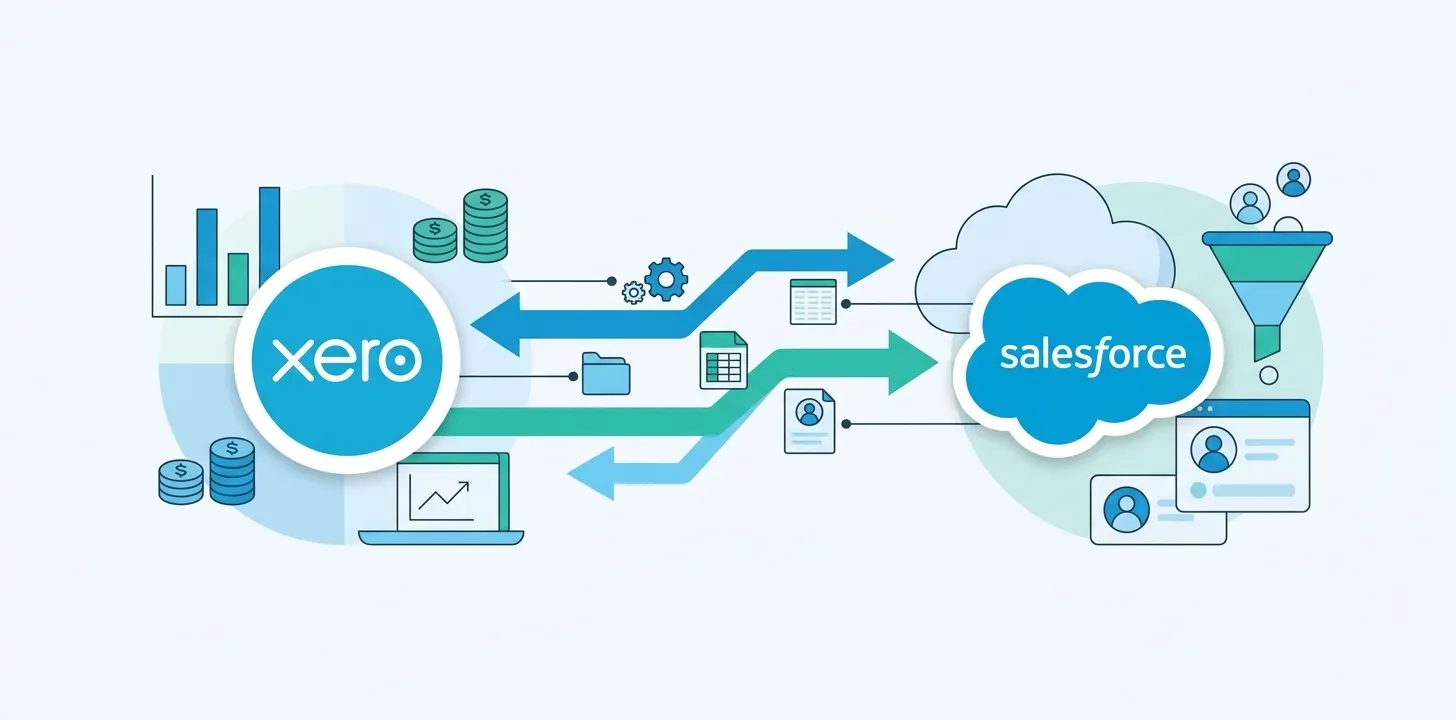
To integrate Xero with Salesforce, install a native Xero app from the Salesforce AppExchange, click Connect to Xero and authorize your Xero account, map your contacts, invoices, payments, and credit notes to Salesforce records, then turn on sync. With a native app like Breadwinner it takes hours, not weeks, and data flows both ways in real time, with no middleware.
Before you start
This guide is a hands-on setup walkthrough for connecting Xero to Salesforce using a native AppExchange app. A couple of quick prerequisites:
- You’ve picked your approach. There are a few ways to connect the two: a native Salesforce app, an API-only or iPaaS tool, or a custom build. If you’re still weighing them, start with does Xero integrate with Salesforce and our API vs native app breakdown for Xero. This guide follows the native-app route, which is the fastest for most teams.
- You can install apps into your Salesforce org (or a sandbox to test first).
- You’re a Xero admin, or can get someone with admin access to authorize the connection.
With that in place, here’s the whole setup, which takes hours from start to finish.
Step 1: Install the app from the AppExchange
In your Salesforce org, open the AppExchange, find a native Xero integration app (this walkthrough uses Breadwinner), and click Get It Now to install it into your production or sandbox org. Because it’s a native managed package, it installs like any other Salesforce app, with nothing to host or run outside Salesforce.
Step 2: Connect your Xero account
Open the app inside Salesforce and click Connect to Xero. You’ll be sent to Xero’s secure login to authorize the connection, which is standard OAuth, so you’re signing in to Xero directly rather than handing a password to the app. Approve access and your Xero organization is linked to Salesforce.
If you run more than one Xero organization, you choose which one to connect during this step, so make sure you authorize the entity whose data you want in Salesforce.
Step 3: Map your data
Choose what syncs and how records line up:
- Contacts to Salesforce Accounts and Contacts
- Invoices, payments, and credit notes to related records on the account
- Any custom fields your team relies on
A good native app ships with sensible default mappings, so most teams keep the defaults and only adjust unusual cases. Auto-matching links each Xero contact to the right Salesforce account, so records land where reps already look.
Step 4: Turn on sync and verify
Enable the sync and confirm it flows both ways: raise or edit an invoice and check it appears on the Salesforce account; update a contact in Salesforce and confirm it posts back to Xero. With a real-time native integration those changes appear in near-real time, with no nightly batch and no manual export.
That’s the whole loop. Your sales team now sees live invoices, payments, and balances inside Salesforce, and finance stops fielding “did they pay?” pings. For the full feature set and pricing, see Breadwinner’s native Xero Salesforce integration. To put the same data in front of your Agentforce agents, see how to connect Xero to Agentforce.
People outside Salesforce ask “did they pay?” just as often. For them the route is an AI assistant or a chat tool rather than a CRM, and it is worth knowing what Xero’s AI connectors can and cannot answer before you promise anyone a number.
Frequently asked questions
How do I connect Xero to Salesforce?
Install a native Xero app from the Salesforce AppExchange, click Connect to Xero and authorize the connection through Xero, map your contacts, invoices, payments, and credit notes to Salesforce records, then turn on sync. With a native app the whole process takes hours.
Do I need to code anything to integrate Xero with Salesforce?
No. A native AppExchange app installs and configures through a guided setup with pre-built field mappings, so no code is required. Coding only comes in if you choose a custom API build instead of a native app or iPaaS tool.
Does the Xero Salesforce integration handle multiple currencies?
Yes. A native app like Breadwinner is multi-currency aware, so invoices and payments sync with their currency intact, which matters for the many Xero teams operating across the UK, Australia, and New Zealand. With iPaaS or a custom build you have to design for multi-currency yourself.
How long does it take to integrate Xero with Salesforce?
With a native Salesforce app, most teams install, connect, map their data, and start syncing in hours. iPaaS or custom-built integrations take longer because you configure or code the connection yourself.
Ready to connect Xero and Salesforce? See how Breadwinner syncs contacts, invoices, payments, and credit notes in real time. Book a demo.